Version 5.2 Sourcefire 3D System Installation Guide 61
Installing a Sourcefire 3D System Appliance
Identifying the Sensing Interfaces
Chapter 3
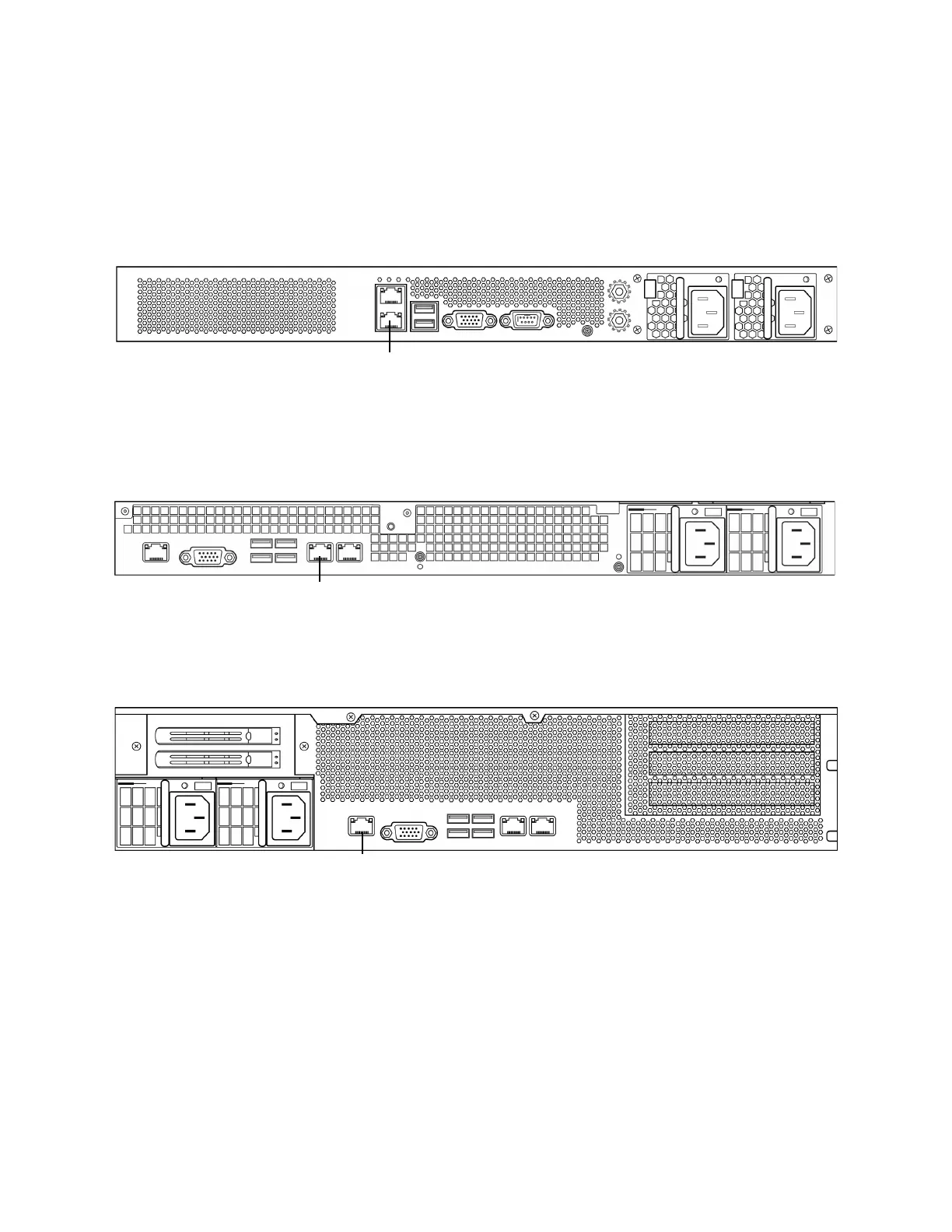
The 3D7110/7120 and the 3D7115/7125 are available as 1U appliances. The
following illustration of the rear of the chassis indicates the location of the
management interface.
Sourcefire 8000 Series
The 3D8120/8130/8140 is available as a 1U appliance. The following illustration of
the rear of the chassis indicates the location of the management interface.
The 3D8250 is available as a 2U appliance. The 3D8260/8270/8290 is available as
a 2U appliance with one, two, or three secondary 2U appliances. The following
illustration of the rear of the chassis indicates the location of the management
interface for each 2U appliance.
Identifying the Sensing Interfaces
Managed devices connect to network segments using sensing interfaces. The
number of segments each device can monitor depends on the number of sensing
interfaces on the device and the type of connection (passive, inline, routed, or
switched) that you want to use on the network segment.



 To Next Page