Version 5.2 Sourcefire 3D System User Guide 257
Inserting and Removing 8000 Series Modules
Included Items
Appendix C
Stacking Configuration Considerations
Configure the modules as follows for stacked devices:
• Install NetMods on the primary device only.
• Install one stacking module on the primary device for each stacked
secondary device, and one stacking module on each secondary device.
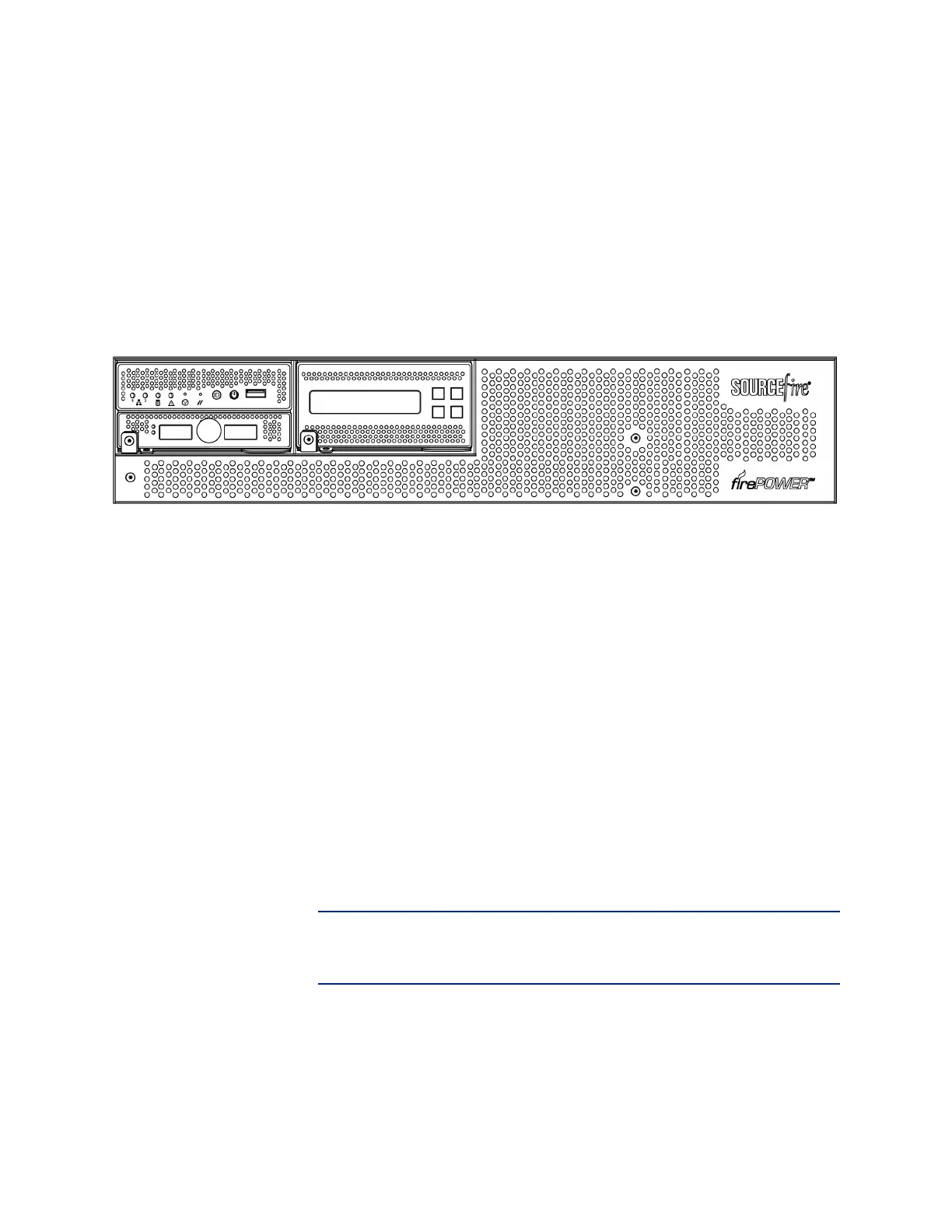
82xx Family Secondary Device
Included Items
Your module assembly kit includes a T8 Torx screwdriver and one or more of the
following modules:
• quad-port 1000BASE-T copper configurable bypass NetMod. For more
information, see Quad-Port 1000BASE-T Copper Configurable Bypass
NetMod on page 186.
• quad-port 1000BASE-SX fiber configurable bypass NetMod. For more
information, see Quad-Port 1000BASE-SX Fiber Configurable Bypass
NetMod on page 187.
• dual-port 10GBASE (MMSR or SMLR) fiber configurable bypass NetMod.
For more information, see Dual-Port 10GBASE (MMSR or SMLR) Fiber
Configurable Bypass NetMod on page 188.
• dual-port 40GBASE-SR4 fiber configurable bypass NetMod. For more
information, see Dual-Port 40GBASE-SR4 Fiber Configurable Bypass
NetMod on page 191.
IMPORTANT! Use this dual-slot NetMod only on the 40G-capacity 3D8250.
If you need to upgrade your 3D8250, see the Sourcefire 8000 Series Device
40G Capacity Upgrade Guide.
• quad-port 1000BASE-T copper non-bypass NetMod. For more information,
see Quad-Port 1000BASE-T Copper Non-Bypass NetMod on page 193.



 To Next Page