Version 5.2 Sourcefire 3D System Installation Guide 67
Installing a Sourcefire 3D System Appliance
Identifying the Sensing Interfaces
Chapter 3
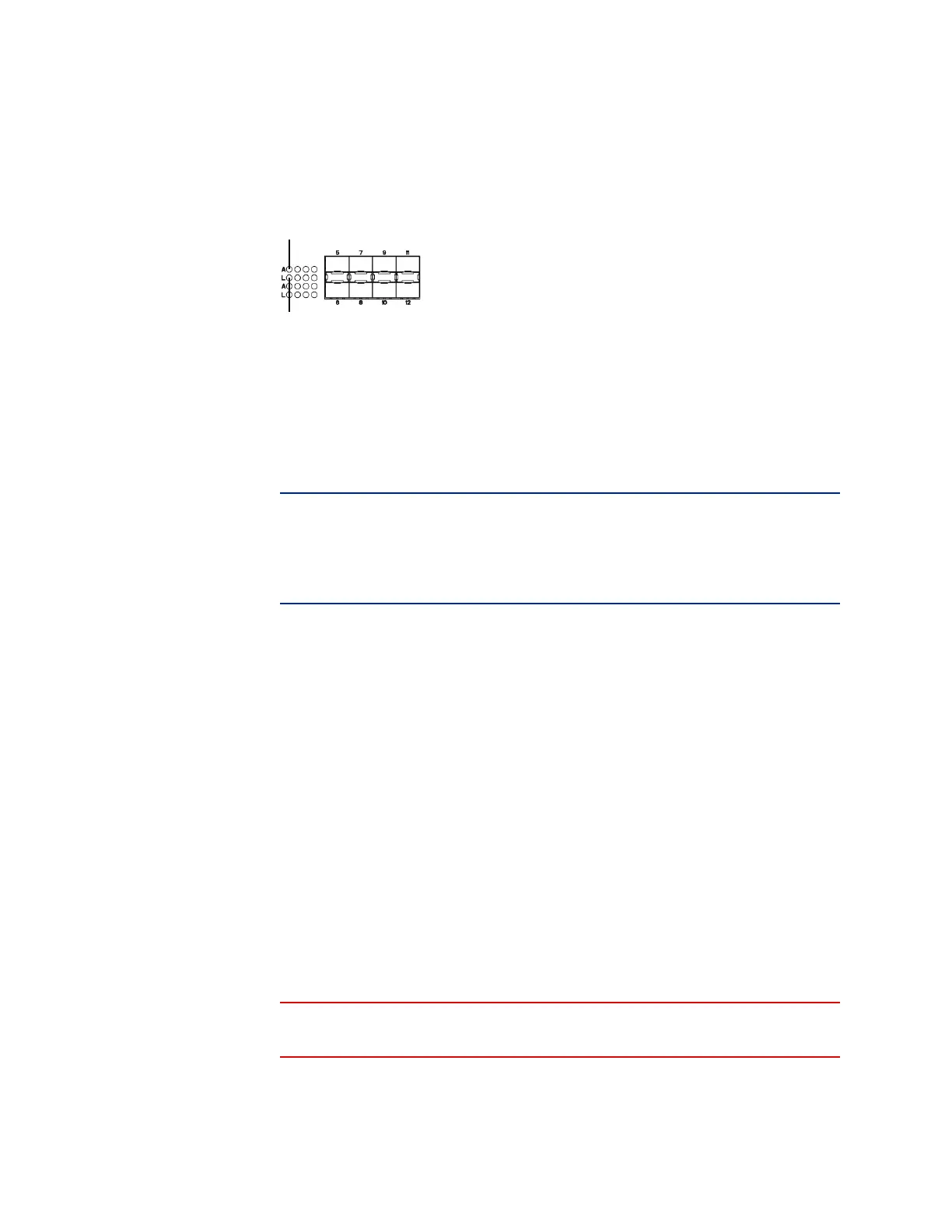
SFP Sockets
Sourcefire 8000 Series
The Sourcefire 8000 Series is available as a 1U device with a 10G network switch
or a 2U device with either a 10G or a 40G network switch. This device can be
shipped fully assembled, or you can install the network modules (NetMods) that
contain the sensing interfaces.
IMPORTANT! If you install a NetMod in an incompatible slot on your device (for
example, inserting a 40G NetMod in slots 1 and 4 on a 3D8250) or a NetMod is
otherwise incompatible with your system, an error or warning message appears
in the web interface of the managing Defense Center when you attempt to
configure the NetMod. Contact Sourcefire Support for assistance.
The following modules contain configurable bypass sensing interfaces:
• a quad-port 1000BASE-T copper interface with configurable bypass
capability
• a quad-port 1000BASE-SX fiber interface with configurable bypass capability
• a dual-port 10GBASE (MMSR or SMLR) fiber interface with configurable
bypass capability
• a dual-port 40GBASE-SR4 fiber interface with configurable bypass capability
(2U devices only)
The following modules contain non-bypass sensing interfaces:
• a quad-port 1000BASE-T copper interface without bypass capability
• a quad-port 1000BASE-SX fiber interface without bypass capability
• a dual-port 10GBASE (MMSR or SMLR) fiber interface without bypass
capability
In addition, a stacking module combines the resources of two or more identically
configured appliances. The stacking module is optional on the 3D8140 and
3D8250, and is provided in the 3D8260/8270/8290 stacked configurations.
WARNING! Modules are not hot-swappable. See Inserting and Removing
8000 Series Modules on page 255 for more information.



 To Next Page