Version 5.2 Sourcefire 3D System Installation Guide 66
Installing a Sourcefire 3D System Appliance
Identifying the Sensing Interfaces
Chapter 3
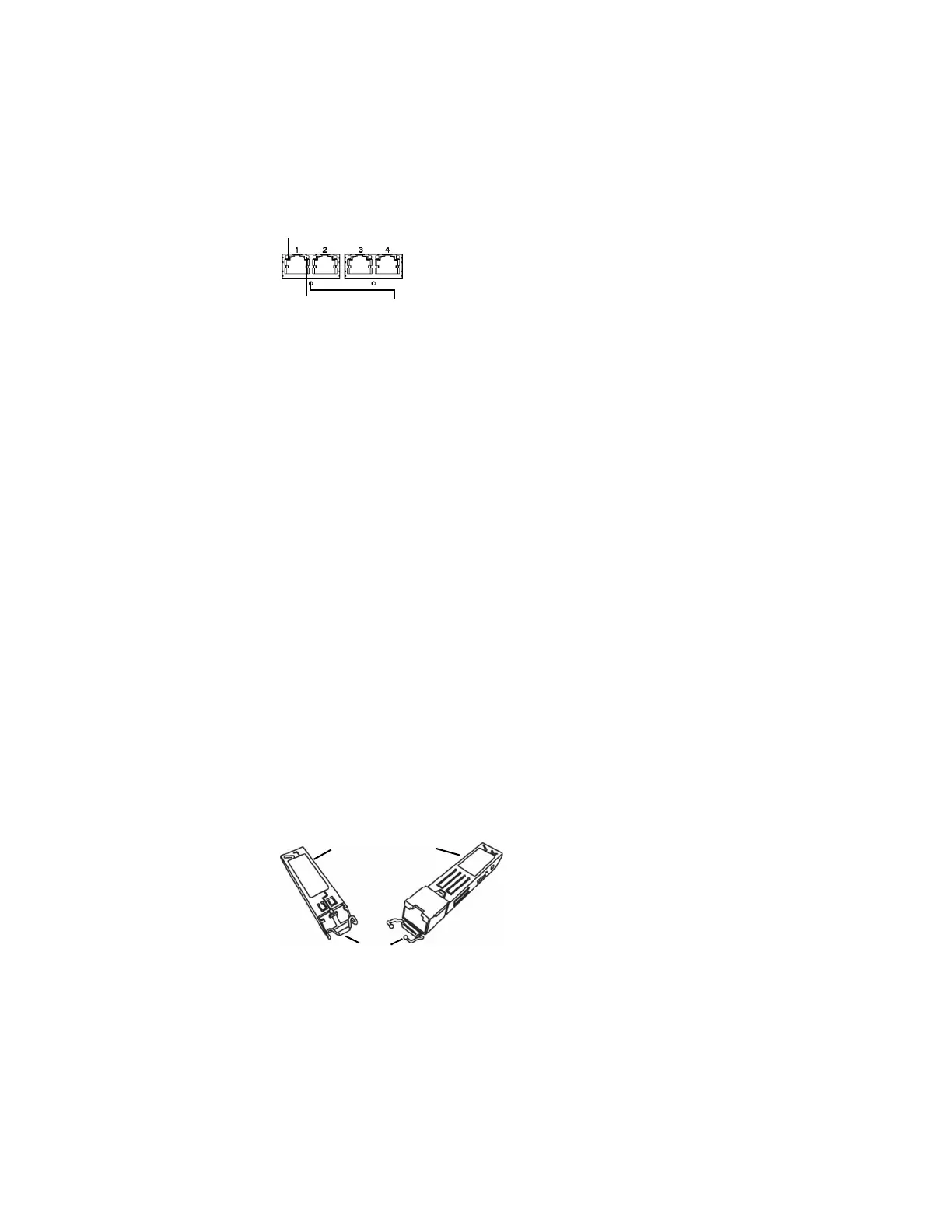
Four 1000BASE-T Copper Interfaces
You can use the copper interfaces to passively monitor up to four separate
network segments. You can also use paired interfaces in inline or inline with
bypass mode to deploy the device as an intrusion prevention system on up to two
networks.
If you want to take advantage of the device’s automatic bypass capability, you
must connect either the two interfaces on the left or the two interfaces on the
right to a network segment. Automatic bypass capability allows traffic to flow
even if the device fails or loses power. After you cable the interfaces, you use the
web interface to configure a pair of interfaces as an inline set and enable bypass
mode on the inline set.
SFP Interfaces
When you install Sourcefire SFP transceivers into the SFP sockets, you can
passively monitor up to eight separate network segments. You can also use
paired interfaces in inline, non-bypass mode to deploy the device as an intrusion
detection system on up to four networks.
Sourcefire SFP transceivers are available in 1G copper, 1G short range fiber, or 1G
long range fiber, and are hot-swappable. You can use any combination of copper
or fiber transceivers in your device in either passive or inline configuration. Note
that SFP transceivers do not have bypass capability and should not be used in
intrusion prevention deployments. To ensure compatibility, use only SFP
transceivers available from Sourcefire. See
Using SFP Transceivers on a 3D7115
or 3D7125 on page 251 for more information.
Sample SFP Transceivers
Link LED
Activity LED Bypass LED
Sample Fiber Sample Copper
Front with Bale
Rear with Contacts



 To Next Page