Version 5.2 Sourcefire 3D System User Guide 260
Inserting and Removing 8000 Series Modules
Inserting a Module or Slot Cover
Appendix C
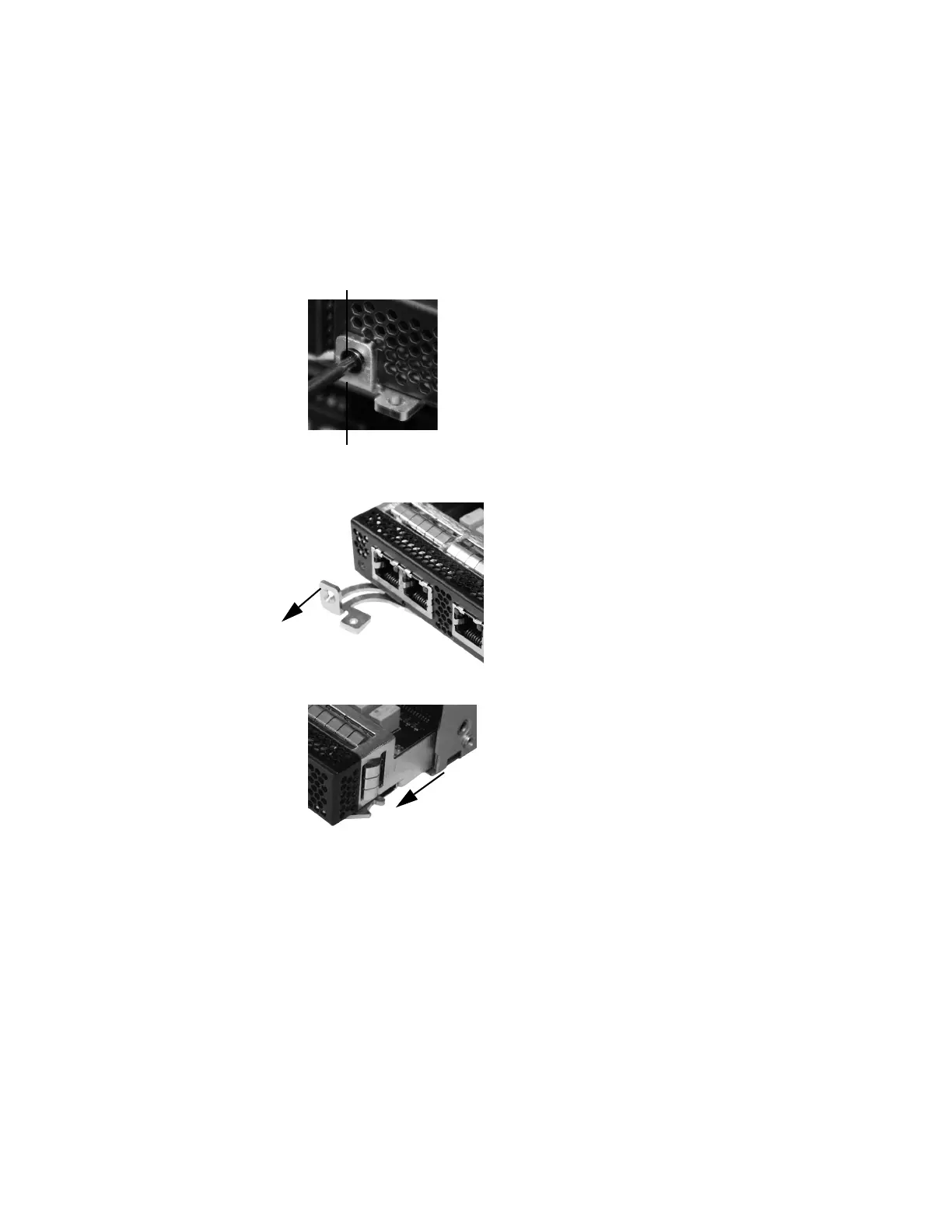
To remove a module or slot cover:
1. Remove and reserve the T8 Torx screw from the lever of the module using
the included screwdriver.
2. Pull the lever away from the module to release the latch.
3. Slide the module out of the slot.
Inserting a Module or Slot Cover
Remove the existing module or slot cover to prepare the slot for a new module.
See
Removing a Module or Slot Cover on page 259 for more information.



 To Next Page