Version 5.2 Sourcefire 3D System Installation Guide 47
Understanding Deployment
Deployment Options
Chapter 2
as remote networks or mobile devices. Always use the most aggressive control
on this segment, with strict rules for user and application access.
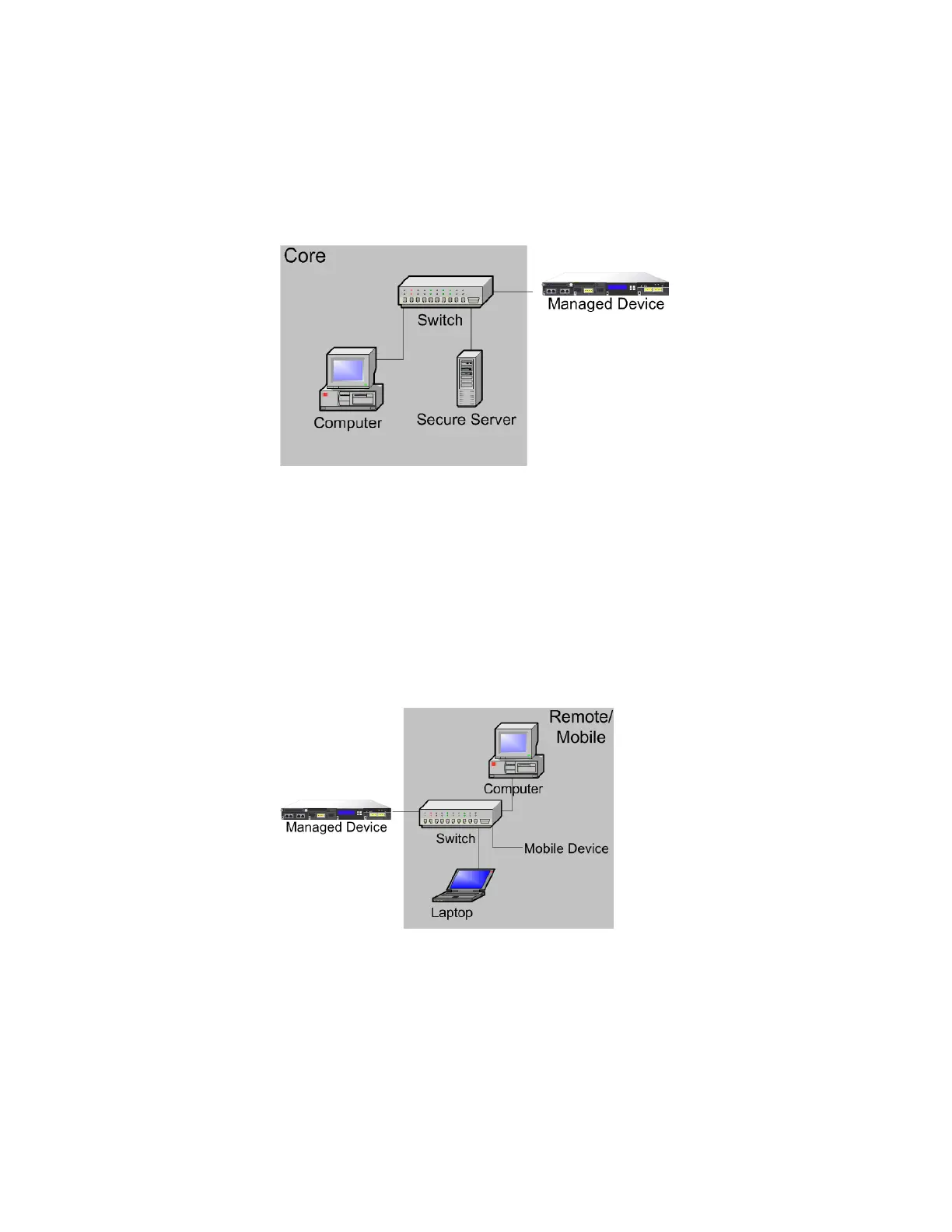
On a Remote or Mobile Network
Remote networks, located off-site, often use a virtual private network (VPN) to
provide access to the primary network. Mobile devices and the use of personal
devices for business purposes (for example, using a “smart phone” to access
corporate email) are becoming increasingly common.
These networks can be highly dynamic environments with rapid and continual
change. Deploying a managed device on a dedicated mobile or remote network
allows you to create a strict access control policy to monitor and manage traffic to
and from unknown external sources. Your policy can reduce your risk by rigidly
limiting how users, network, and applications access core resources.



 To Next Page