Version 5.2 Sourcefire 3D System Installation Guide 49
Understanding Deployment
Using a Multi-Port Managed Device
Chapter 2
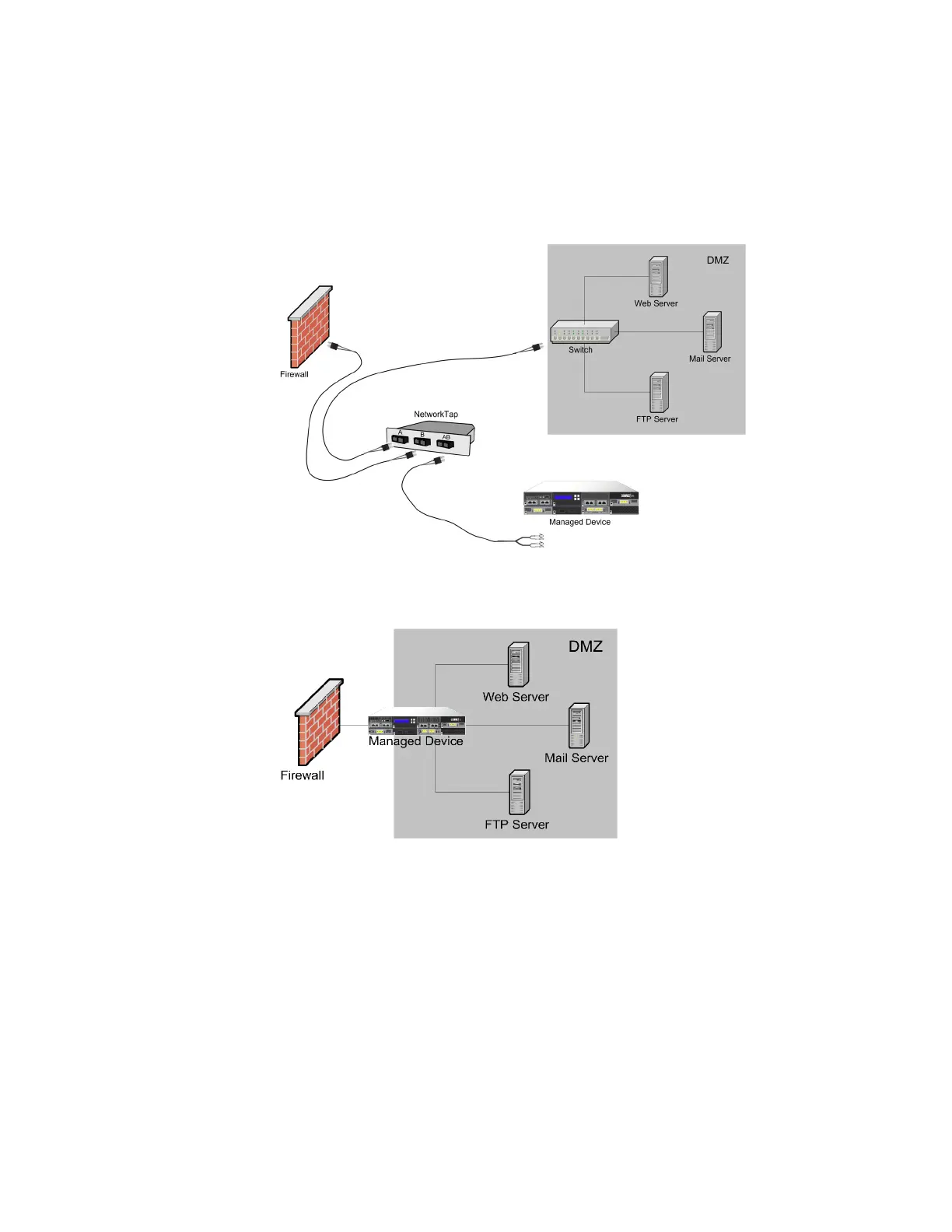
Note that with a gigabit optical tap, as shown in the illustration below, both sets
of ports on the managed device are used by the connectors from the tap.
You can use the virtual switch to replace both the tap and the switch in your
deployment. Note that if you replace the tap with a virtual switch, you lose the tap
packet delivery guarantee.



 To Next Page