Chapter 2: Installation and Setup
Procedure 10: Update Firmware Version (optional)
58 | SmartBits 600x/6000x Installation Guide
5 Follow the on-screen prompts to install the firmware onto your hard drive. The
firmware files are copied to the directory that you specify as shown below.
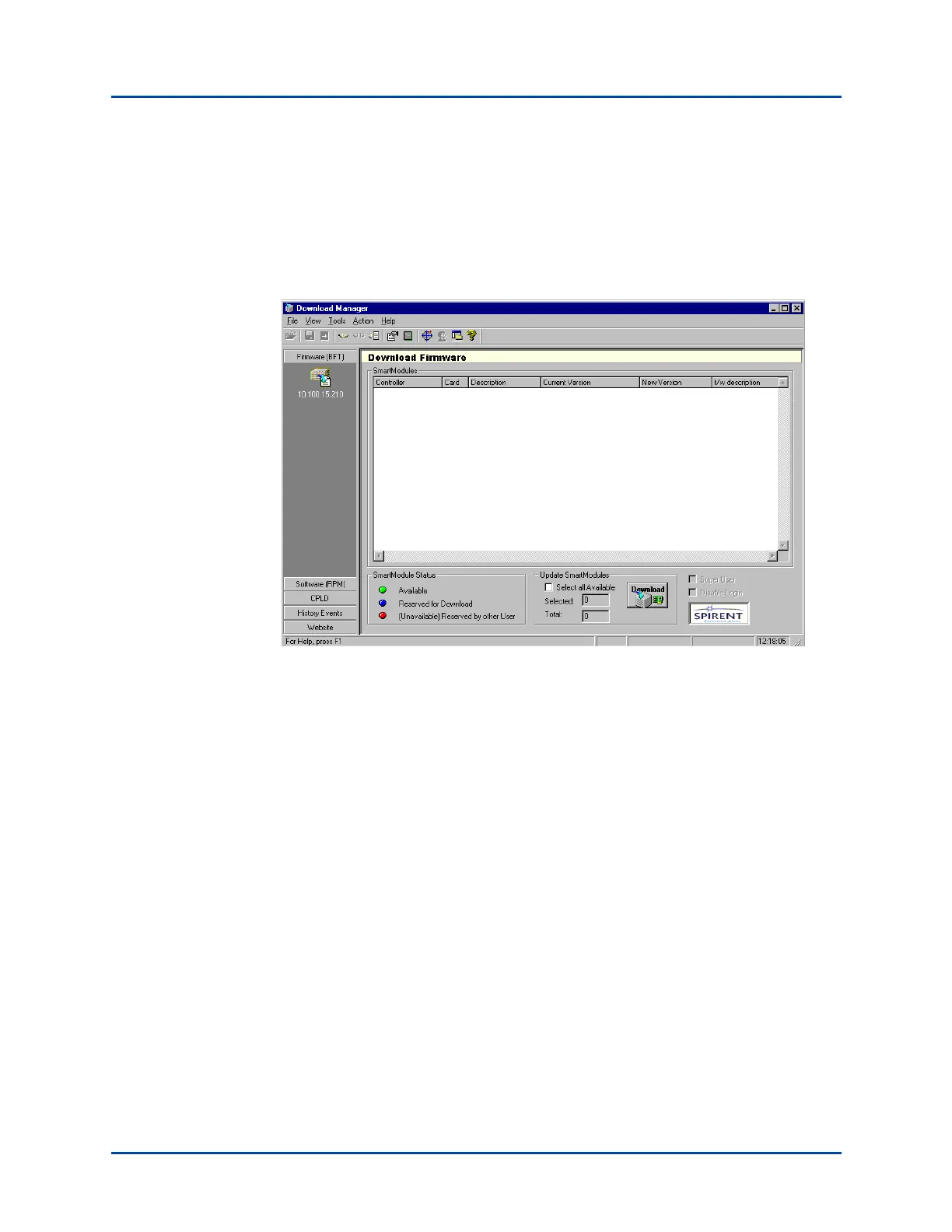
6 Once the firmware files are copied, locate the directory where the files were copied
(see preceding window), and click on fdlmgr.exe. This launches the Download
Manager application, which you use to download the firmware. You will see the
Download Firmware window shown below.
Artisan Technology Group - Quality Instrumentation ... Guaranteed | (888) 88-SOURCE | www.artisantg.com



 To Next Page