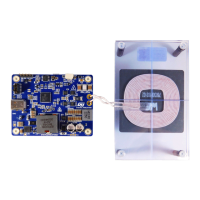
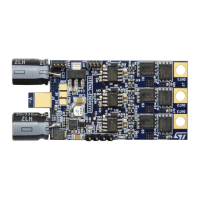
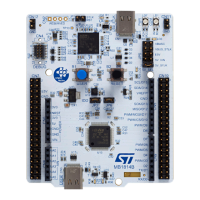
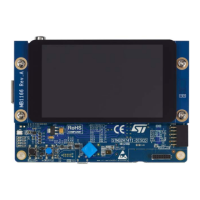
• Additional hardware:
– USB adapter 5 V / 3 A or power supply
– 2 x USB Type-C® cables (one can be replaced with either 2.1 mm jack or pin cable)
– Windows PC
• Software:
– STSW-WPSTUDIO Wireless Power Studio PC GUI installation package
– I2C drivers
• Application notes:
– GUI guide: UM3164
Begin by installing both the I2C drivers and the STSW-WPSTUDIO GUI. Visit the ST website for additional information regarding
the STSW-WPSTUDIO GUI.
Connect a 5 V power supply to power the board using either the USB Type-C®, jack, or pin cable. Using a jumper, select the
chosen method of power delivery on header P1.
Using a USB Type-C® cable, connect the board to the PC (connector P4 on the board). This allows the user to communicate
with the board - program it and monitor its function.
UM3161
UM3161 - Rev 1
page 2/78



 To Next Page