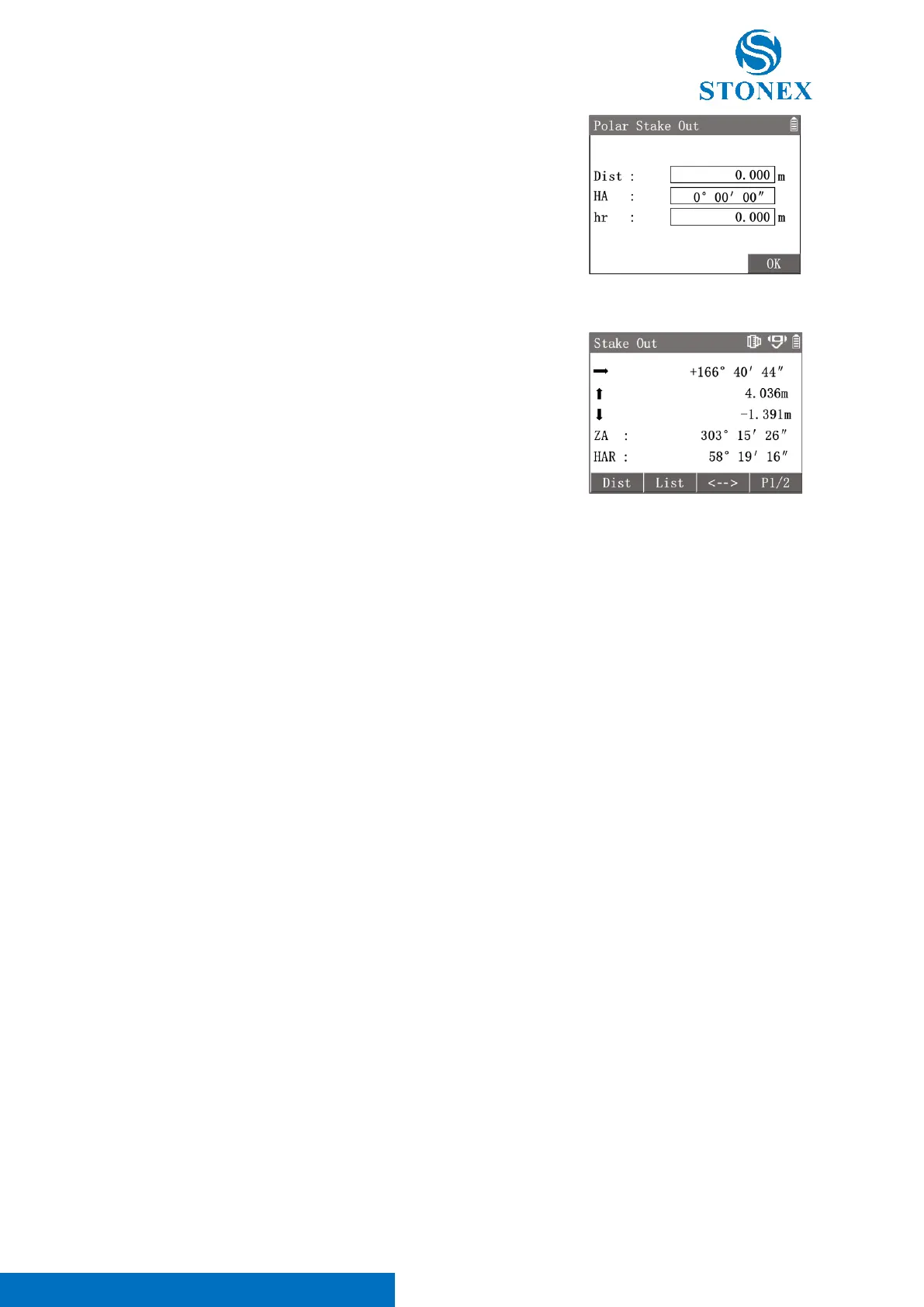
Press [5] to enter {Polar Stake Out}.
Input〈Dist〉,〈HA〉,〈hr〉to define the stakeout point.
press [F4]【OK】to enter {Stake Out} guidance interface to perform stake
out process.
First line: Arrow guide to move left/right and dHA.
Second line: Direction arrow guide to move and dHD.
↓: Move towards the station.
↑: Move away from the station.
Third line: Direction arrow guide to move and dZ.
↓: Move higher.
↑: Move lower.
After moving the target according on the guidance, aim at the target
again.
Then press [F1]【Dist】to trigger the distance measurement again.
Repeat the movement and measurement until the offset values meet the
requirements



 To Next Page