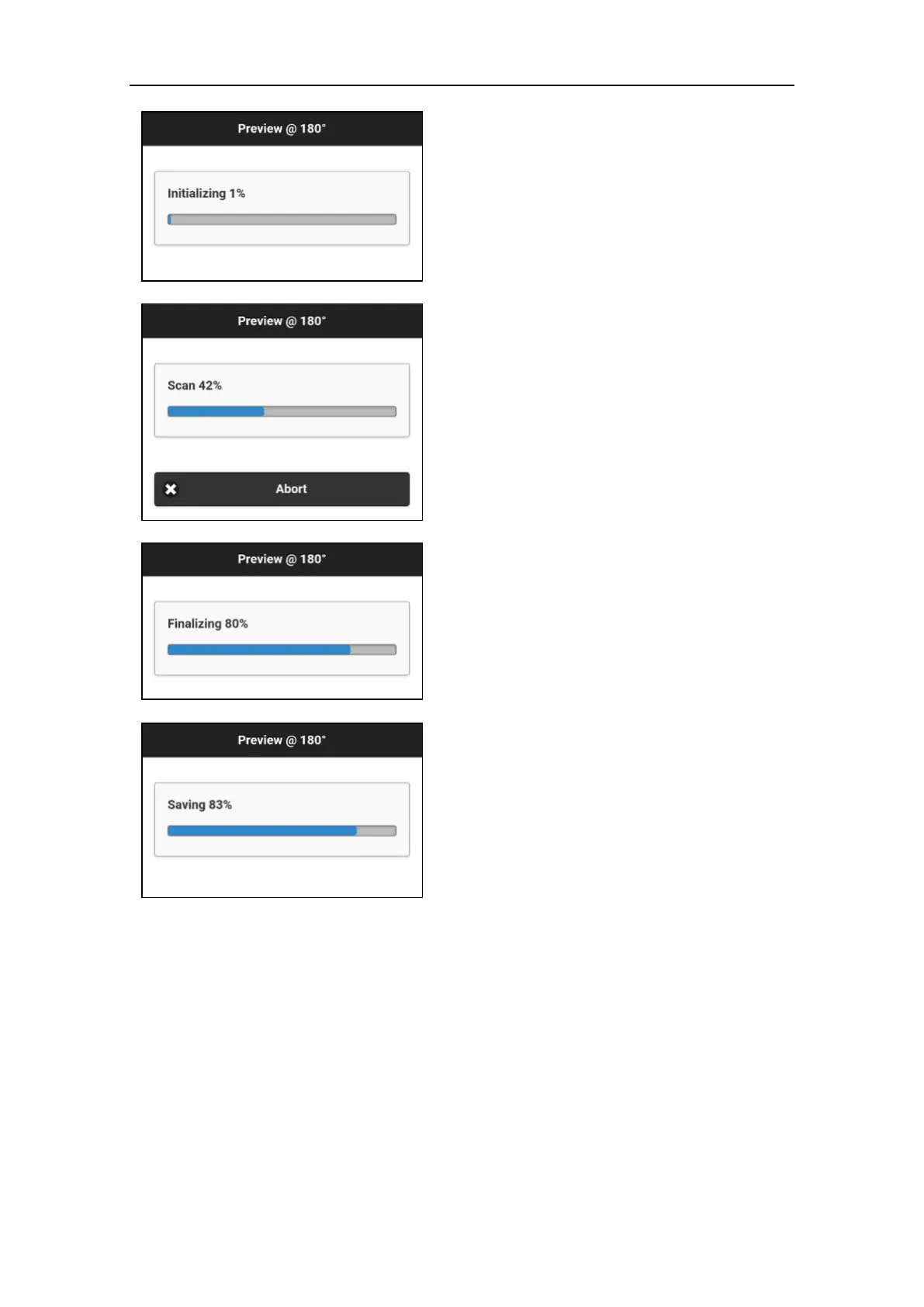
The scan process go through four or five
sequential steps.
1. Initializing
The scanner warms up and registers the scan
center position.
2. Positioning
The scanner turns until reaching the start
position.
3. Scan
Scanning in progress. Use either the software
progress bar on the control device or the LEDs
status bar on the X300 to check the progress.
When the scan is finished, the X300 will return
to the origin position.
4. Finalizing/Saving
Data are stored in the internal solid memory.



 To Next Page