102
➊
➋
➎
EN/06.2019/G57 © STULZ GmbH – all rights reserved
C7000 INSTRUCTIONS fOR A/C UNITS
The corresponding commands:
Components/Air
Louver
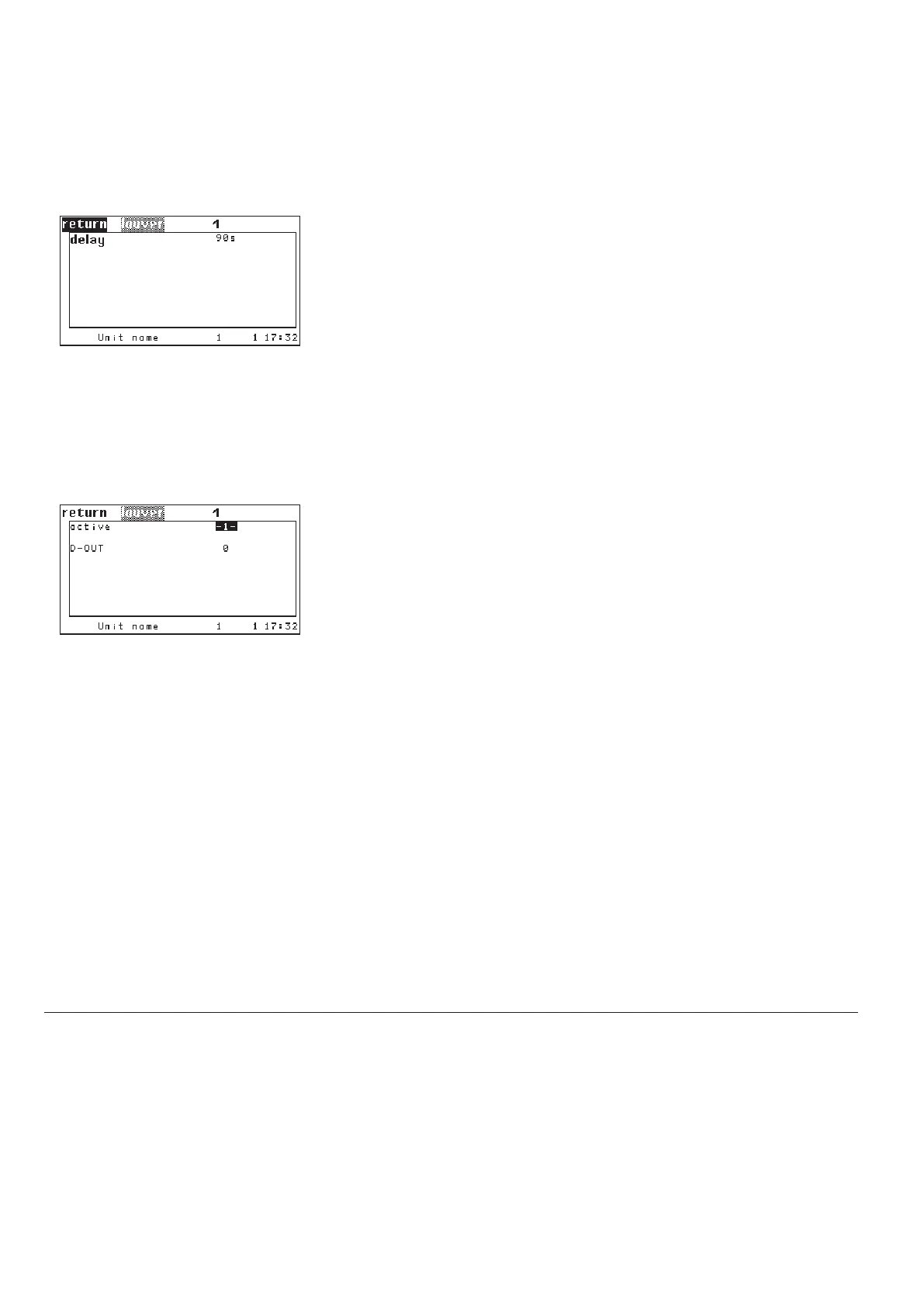
By setting the parameter "ACTIVE" on 1 you add a louver to the configuration.
With "0" you disable the louver.
➊
With the parameter "DOUT" you determine a digital output for the louver. ➋
Components/Air
Louver
If a louver is configured, this one is opened after the A/C unit control has been
switched on by the start/stop key.
The adjustable pre-start serves to open the louver before the fan operation
starts. This way a fan operation against a closed louver is avoided.
➎
When the A/C unit control is switched off, the louver will be closed after the
overruntime of the fan has elapsed.
5.4.8 Air circuit, external optional components
louver 1 conf 1
louver 1 dout 11
louver 1 pretime 100
ConfigOperate
Config
Operate



 To Next Page