146
➊
➋
EN/06.2019/G57 © STULZ GmbH – all rights reserved
C7000 INSTRUCTIONS fOR A/C UNITS
The corresponding commands:
Components
Manual operation
When manual operation is used the C7000 control is put out of force.
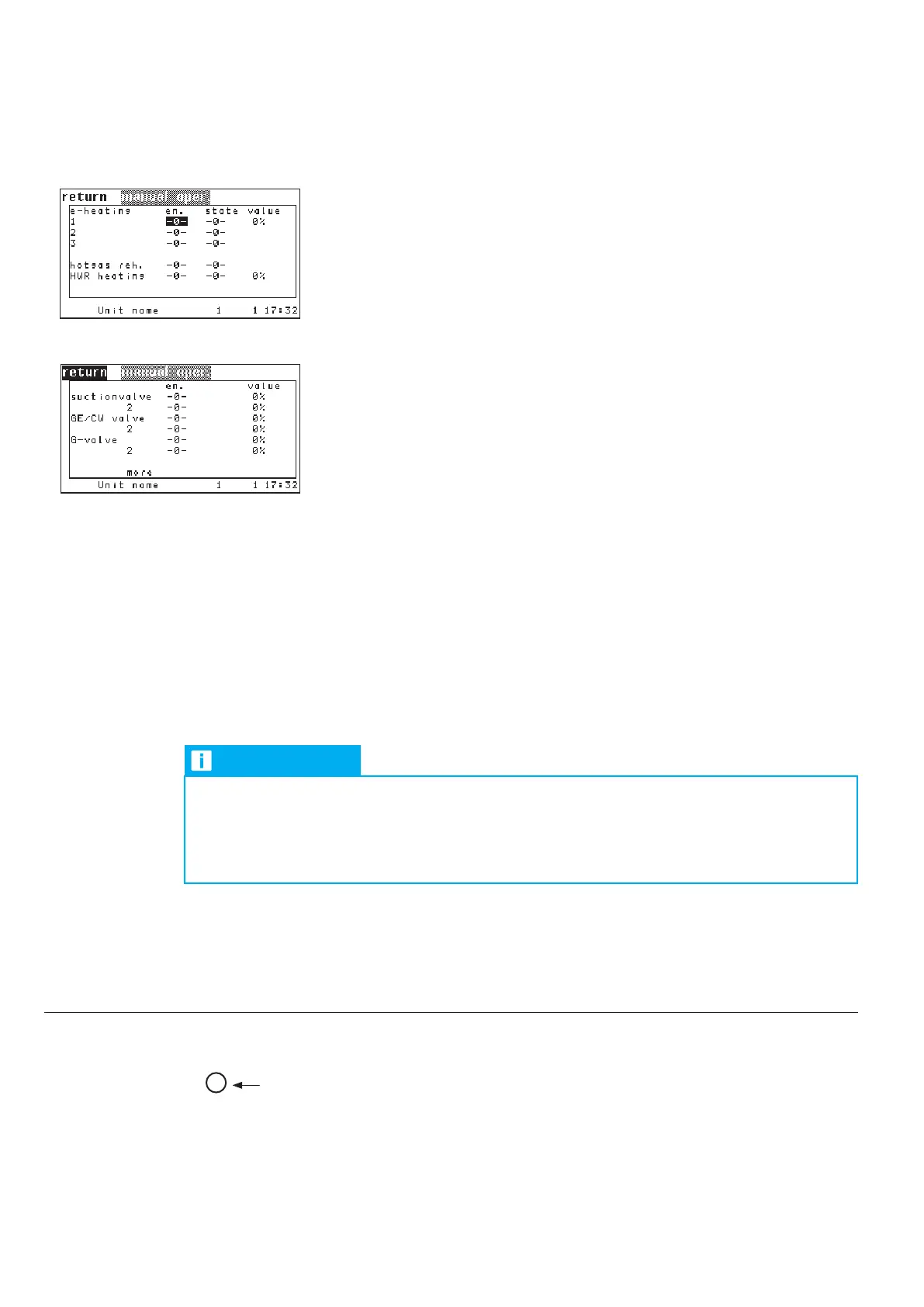
The manual operation menu consists of two columns of parameters which are
decisive for the operation.
In the first column (titled EN.) you enable the manual operation of the listed
component by setting the parameter to "1".
➊
The second column (titled STATE) displays the actual state of the component.
After you have enabled the manual operation in the first column, you can switch
on/off the component itself.
➋
For proportionally controlled components you can enter a percentage in the
second column (titled VALUE) which corresponds to an opening degree for a
valve or a capacity for any other component.
Components which exist either with on/off control or with proportional control
have both columns (STATE and VALUE). But only the corresponding parameter
comes into effect.
Sensors and external alarms can be simulated by the manual operation for the
purpose of testing the controller function.
When the manual operation menu is left (e.g. when the menu "components" is
reached again), the manual operation of each component is disabled and the
controller takes over the control again.
Instead of 0/1 for "off/on" you can enter a
percentage from 0 to 100 if the component
is proportionally controlled.
6.9 Manual Operation
NOTICE
When the fan is switched off, any other component is electrically blocked and can
not be started.
If the unit is de-energized, all manual settings are reset.
However, the adjusted proportional values are kept.
eheat 1 hand 1
eheat 1 handon 1
sensor 1 hand 1
sensor 1 handon 25



 To Next Page