103
➊
➋
➌
➍
➎
➏
➐
➑
➊
➋
➌
© STULZ GmbH – all rights reserved EN/06.2019/G57
C7000 INSTRUCTIONS fOR a/C UNITS
The corresponding commands:
Components
Aux. Ports/...
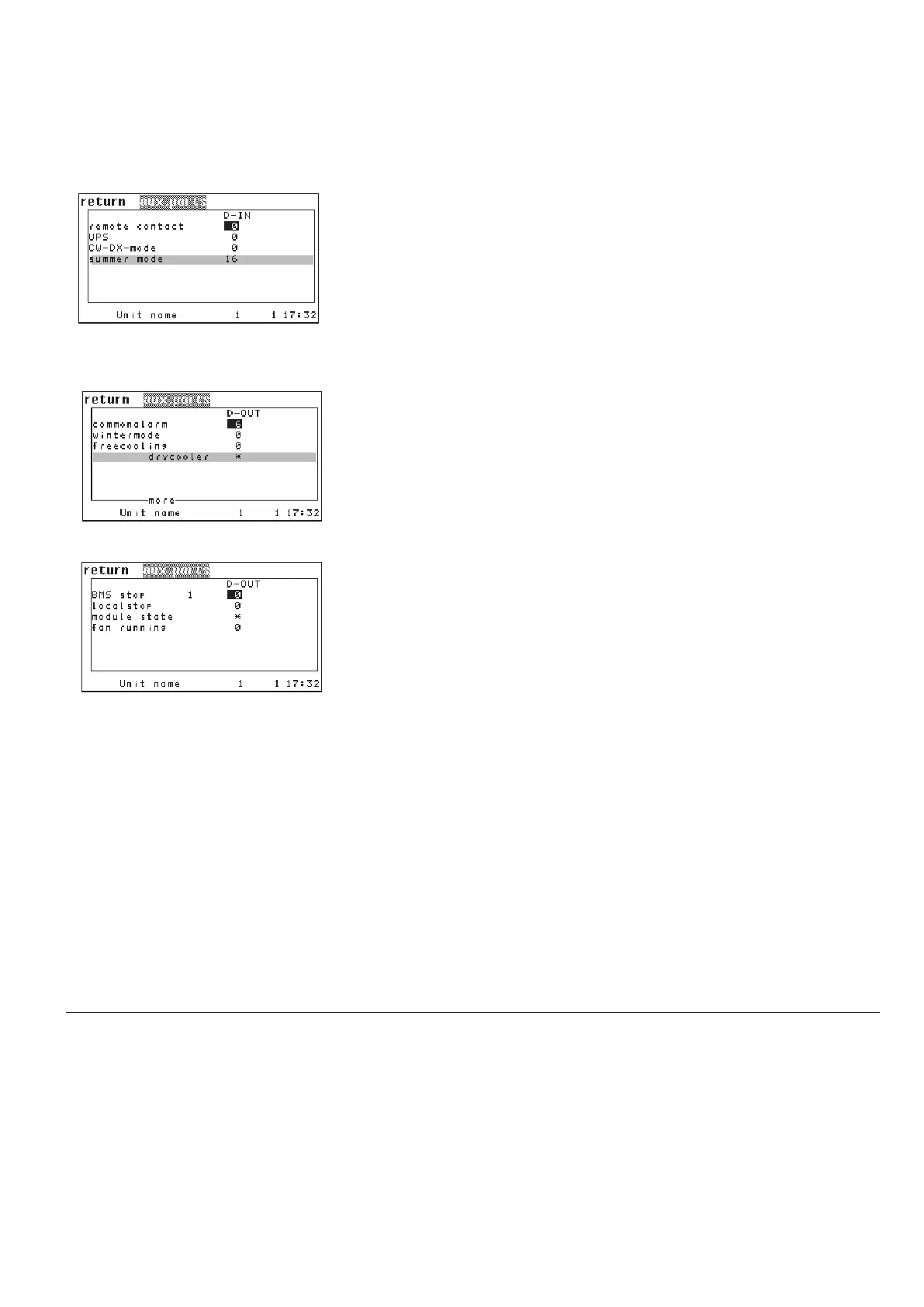
This window serves to assign external signals to digital inputs.
Following you can adjust the digital inputs for the remote contact
➊, for the ups
operation
➋ and for the external cooling priority ➌.
Summer operation setting is only relevant for DFC² control.
This window serves to adjust digital outputs for non-component-related
alarms or messages.
In detail you can adjust the digital output for the common alarm
➊ and for the
wintermode (= enabled FC)
➋. The wintermode signal can be forwarded to a
BMS system.
The state of the free cooling mode
➌ (free cooling exists also in mixmode) of
free cooling with drycooler
➍ (with chiller software only), of the BMS stop 1
(control has been switched of by BMS)
➎ and of the local stop ➏ (Control swit-
ched off by start/stop key) can be output on a digital output.
For the parameter "module state" you can adjust the digital output
➐, by which
the start/stop state of the unit is output. In the last line you can adjust the digi-
tal output
➑, by which the start/stop state of the fan is output.
5.4.9 Auxiliary Ports
calarm dout 7
winter dout 17
fcm dout 4
-
bmsstop 1 dout 5
localstop dout 8
onoff dout 1
econ dout 3
remote din 11
ups din 13
cwoff din 16
.../DIN
.../DOUT
.../DOUT .../DIN
Config
.../DOUT/more



 To Next Page