150 EN/06.2019/G57 © STULZ GmbH – all rights reserved
C7000 INSTRUCTIONS fOR a/C UNITS
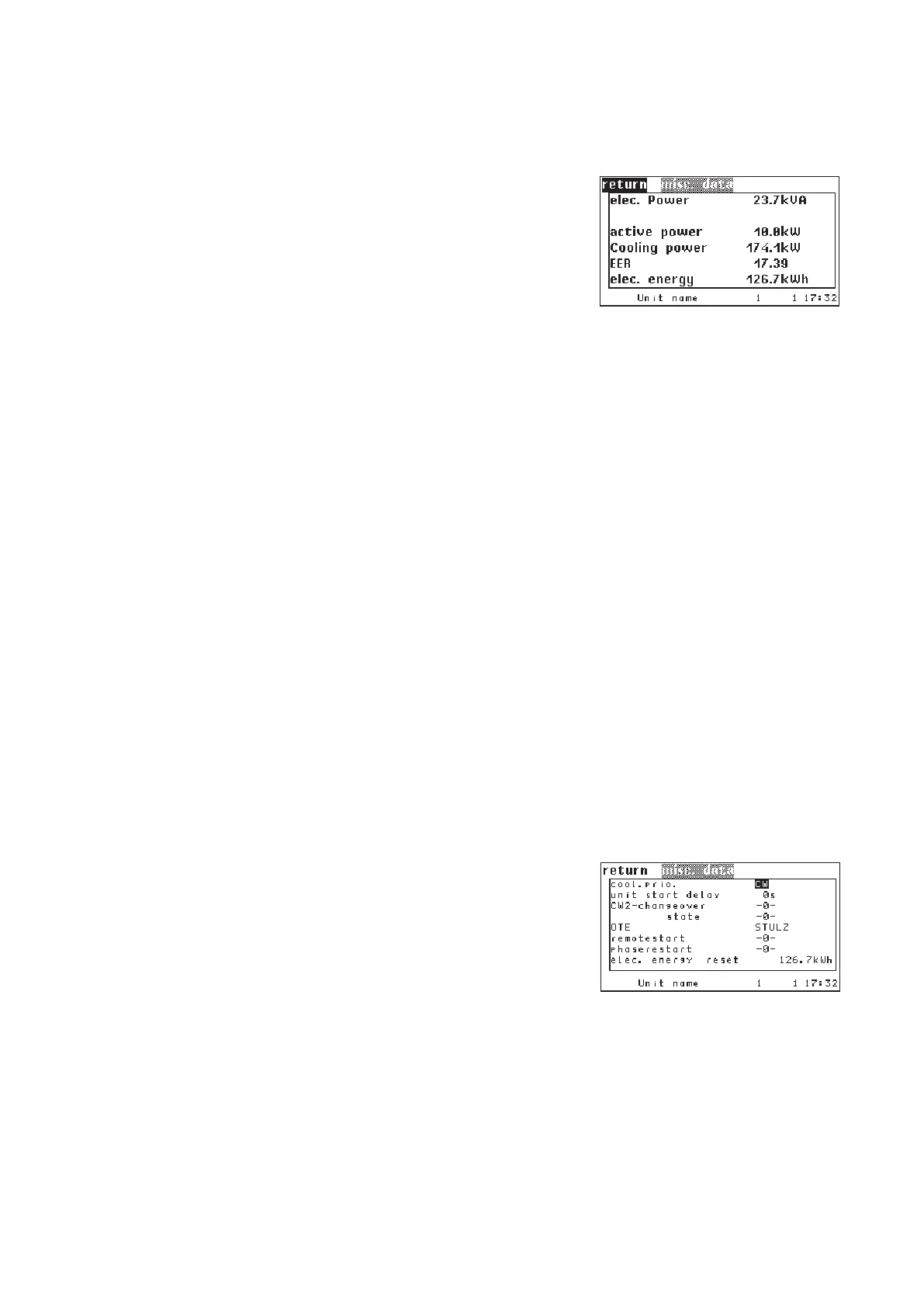
6.13 Power indication
Info/Values/Misc. data/more
setting the heat capacity (example: water)
setting the density (example: water)
The counter for the electric energy can be deleted.
Handling:
1. select "elec. energy" by the selector key.
2. confirm by the OK key.
3. the cursor is now in the middle column on a case which indicates
"return". By the selector key you can choose between the options
"reset" and "return".
4. confim selected function by the OK-key.
Config/Values/Misc. data
The electric power, the active power and the electric energy can
be displayed by using an electric meter installed at the main power
supply.
The following sensor purposes are necessary for electric meters
with analog outputs:
48: actual electric power
51: electric active power
The electric meter is connected via Modbus can be configured by
the following commands:
activation of the electric meter
setting of the Modbus address (example: 247)
The cooling capacity can be calculated and displayed by using the temperature difference between water
inlet and water outlet and the water volume flow.
This is only possible for single circuit CW units.
The EER value is calculated by the quotient of cooling capacity and electric active power.
The density and the heat capacity which are necessary to calculate the cooling capacity are set for water in the
default setting. If the A/C unit contains a water/glycol mixture you must adapt the density and heat capacity.
Use the following commands:
em conf 1
em id 247
eer heatcapacity 4187
eer density 1.000



 To Next Page