135 © STULZ GmbH – all rights reserved EN/06.2019/G57
C7000 INSTRUCTIONS fOR A/C UNITS
The following parameters are evaluated for the SAPSM:
Pre-conditions:
All units which participate in the SAPSM must be assigned to the same zone.
At least one sensor with the sensor purpose 47 (supply air pressure in cPa) must be configured for the
SAPSM.
The parameters supply air pressure setpoint, fan minimum speed and fan maximum speed must be set on the
same values for all units in the zone.
To enable a successive switching on and off of several standby units, the SAPSM delay must be set on differ-
ent values at all standby units.
6.6 Supply air pressure standby management (SAPSM)
The SAPSM can control the supply air pressure in the raised floor with the participation of standby units. The
SAPSM functions in the frame of the zone control and can be combined with DFC control and CW standy
management.
The supply air pressure control will be interrupted for emergency operation of the fan.
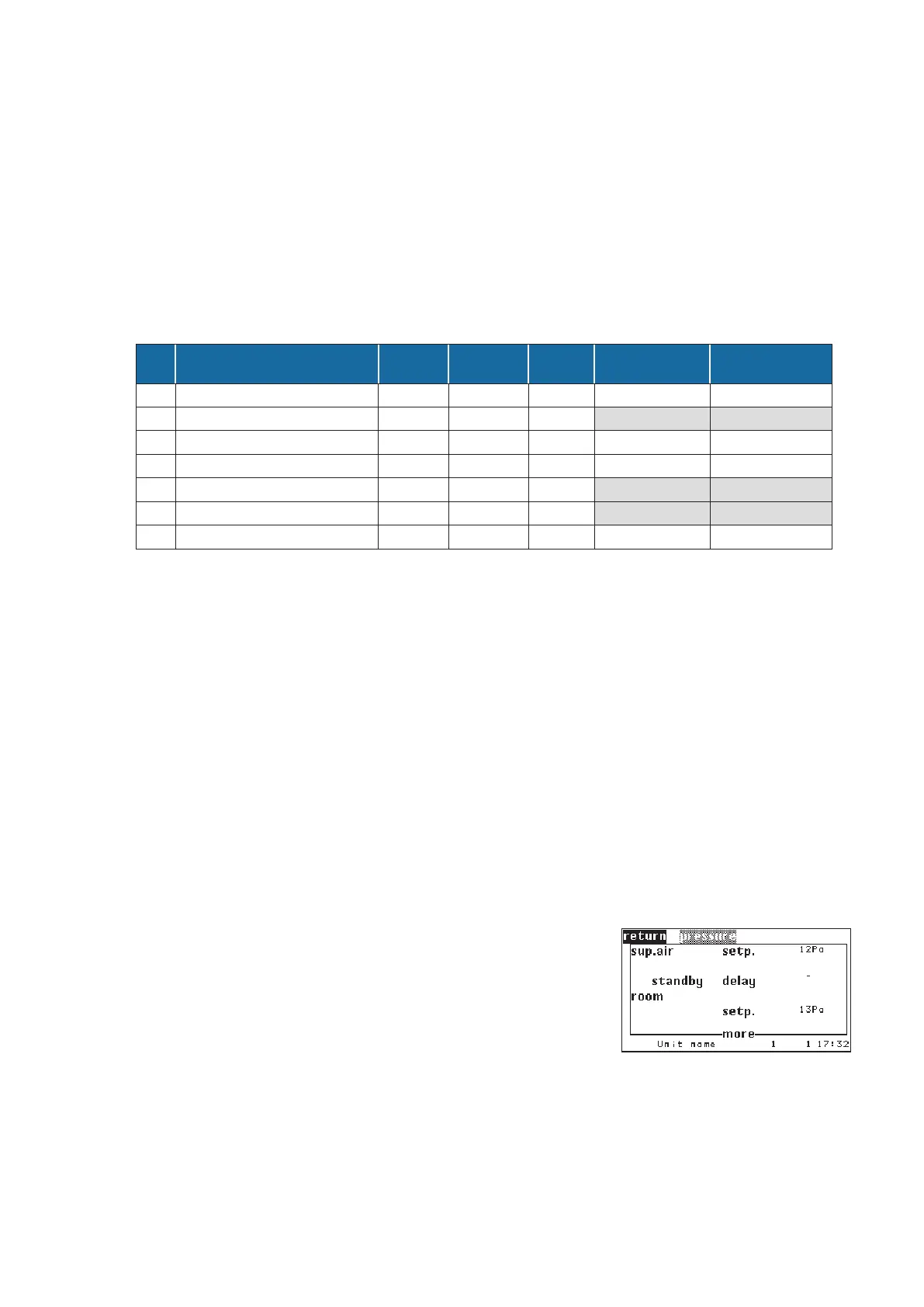
Operate/Values/Air/PressureActivation:
The SAPSM is activated by the special software option 7.
Command:
option 7 1
Additionally the SAPSM delay must be set on a value bigger than
zero.
Command:
sapsmdelay 20 (in seconds)
Nr. Parameter
Unit
value
Zone aver-
age value
Zone
value
adjust equally
for all units
adjust differently
for each unit
1 supply air pressure setpoint x x
2 supply air pressure actual value x
3 fan minimum speed x x
4 fan maximum speed x x
5 fan maximum speed for SAPSM x
6 actual fan speed x
7 SAPSM delay x x
20 s



 To Next Page