3-26 Sun Fire X4100/X4100 M2 and X4200/X4200 M2 Servers Service Manual • August 2009
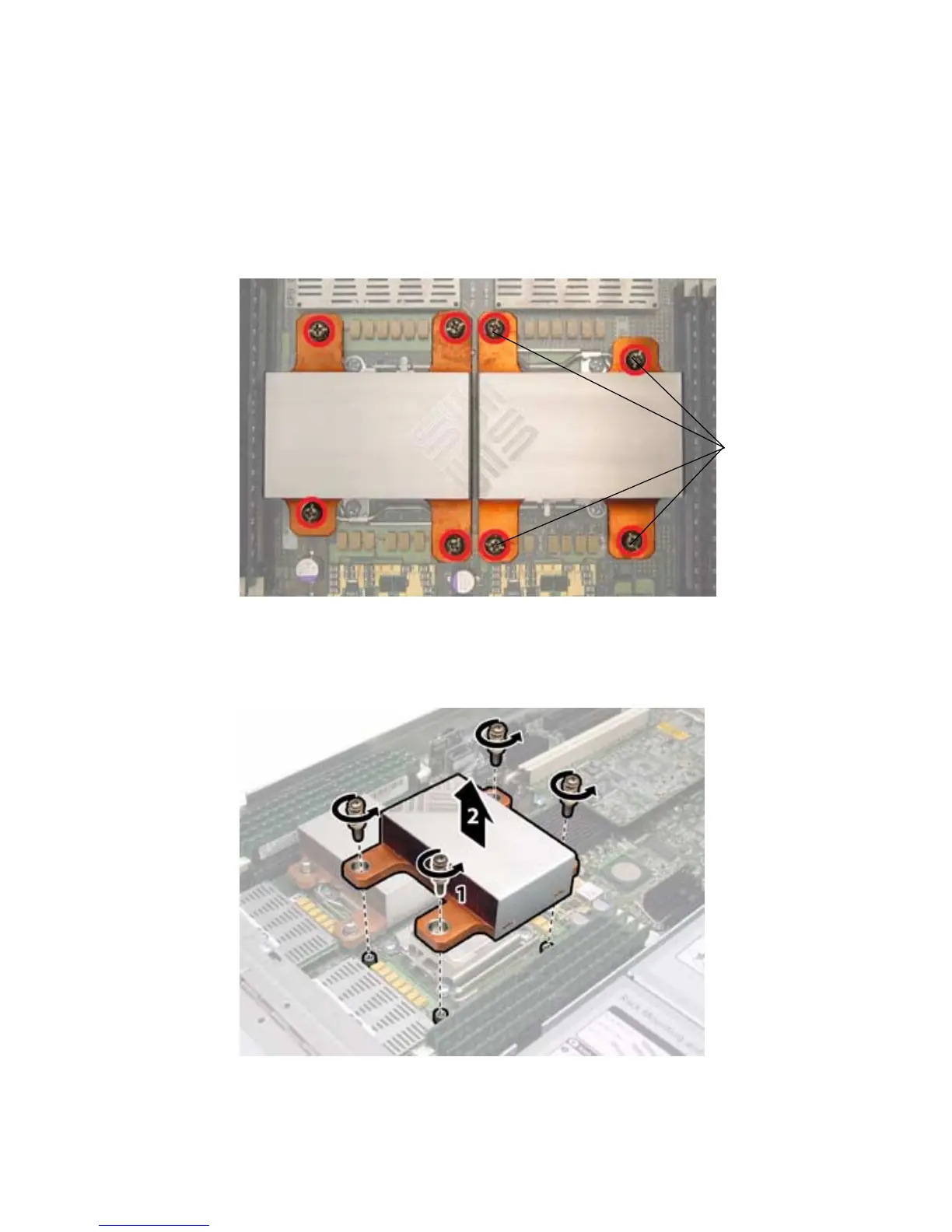
5. Remove the heatsink from the motherboard. Turn the screws 180-degrees at a
time, then remove the screws when they are detached. See
FIGURE 3-17 and
FIGURE 3-18.
FIGURE 3-17 Location of the Sun Fire X4200 M2 Heatsink Screws
FIGURE 3-18 Removing the Sun Fire X4200 M2 Heatsink
The four screws
are circled in red.














 To Next Page