3-36 Sun Fire X4100/X4100 M2 and X4200/X4200 M2 Servers Service Manual • August 2009
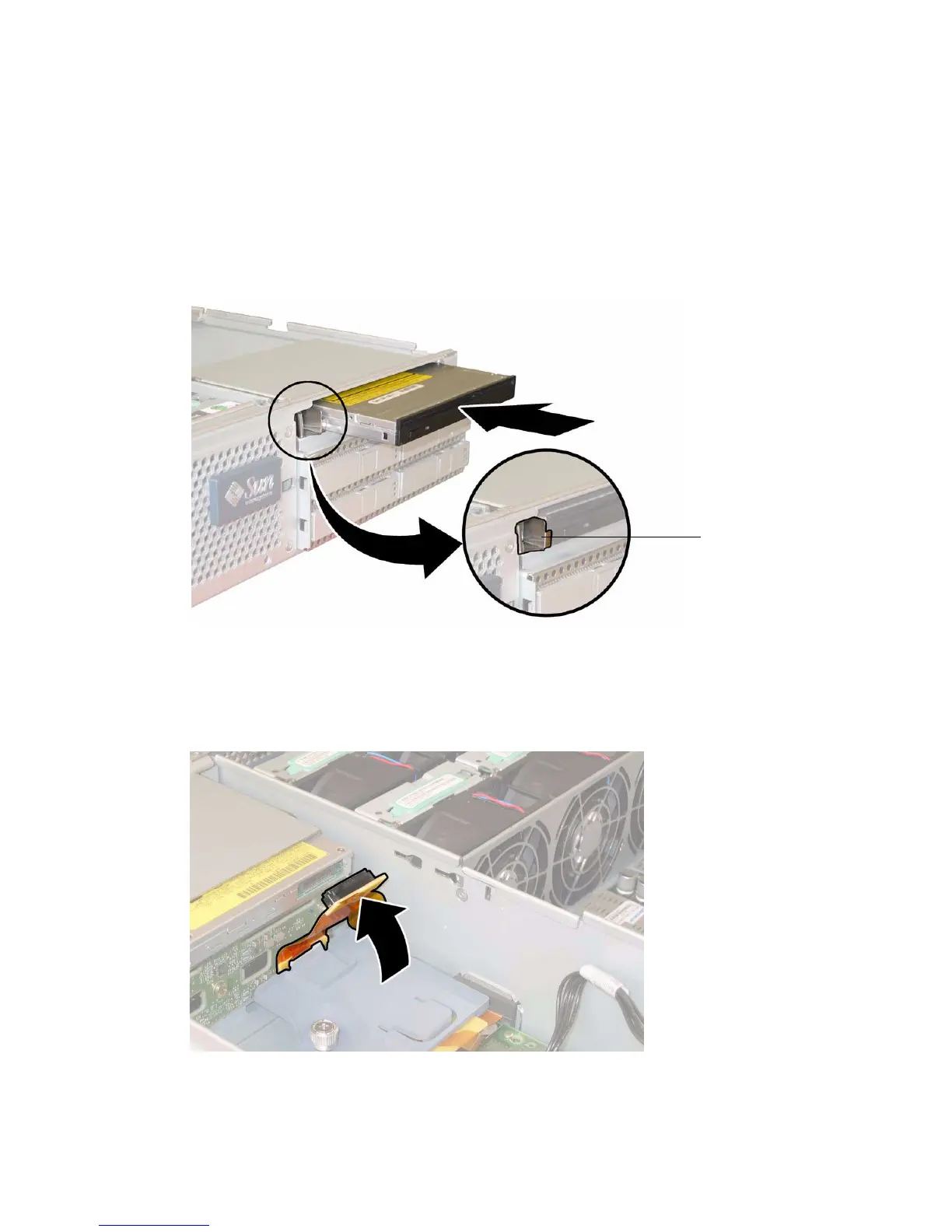
7. Install the DVD-ROM drive into the chassis. See FIGURE 3-27.
a. Align the rear of the DVD-ROM drive with the opening in the chassis.
b. Push the DVD-ROM drive into the chassis until the spring latch on the
chassis closes over the front corner of the drive.
FIGURE 3-27 Installing the DVD-ROM Drive
8. Connect the unused flex cable connector to the rear of the DVD-ROM drive.
See
FIGURE 3-28.
FIGURE 3-28 Connecting the DVD-ROM Drive Flex Cable Connector
Spring
latch














 To Next Page