3-42 Sun Fire X4100/X4100 M2 and X4200/X4200 M2 Servers Service Manual • August 2009
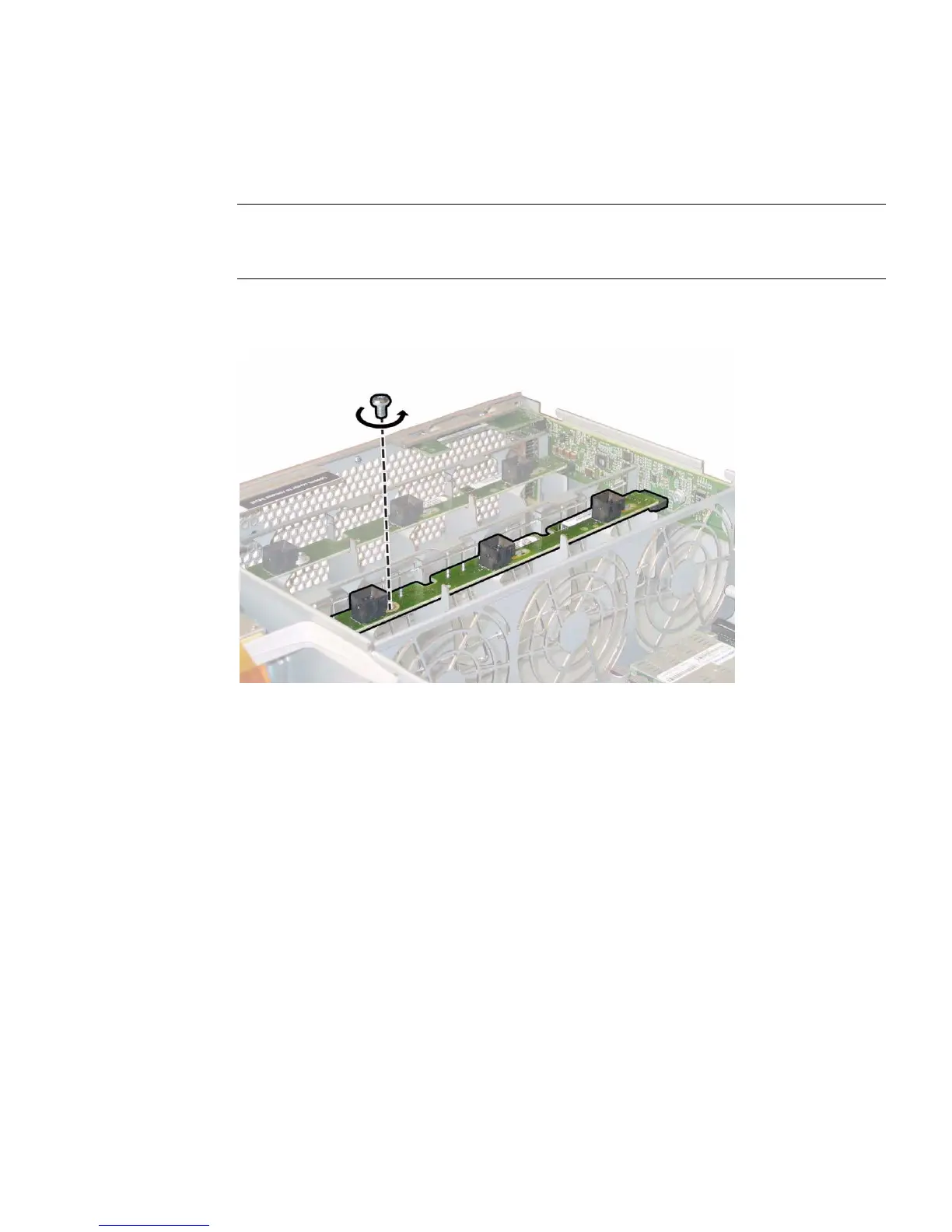
6. Unfasten the single screw that secures the fan connector board to the chassis.
See
FIGURE 3-32.
Note – In the following figures, the server is shown from a rear view with the front
cover off and all fans removed to provide visibility. Do not remove the covers for this
procedure.
FIGURE 3-32 Unfastening the Fan Connector Board Securing Screw
7. Slide the fan connector board toward the center of the chassis to disconnect it
from the front I/O board and to release it from the two locating tabs on the
chassis. See
FIGURE 3-33.














 To Next Page