3-58 Sun Fire X4100/X4100 M2 and X4200/X4200 M2 Servers Service Manual • August 2009
Note – When you replace the drives to their bays, you must return each drive to the
bay from which it was removed. Use an adhesive note or another method to
temporarily label the drives after you remove them.
7. Remove all drives from the drive bays:.
a. Press the button on the face of the drive to release the spring-loaded securing
latch. See
FIGURE 3-45 on page 56.
b. Grasp the securing latch and remove the drive from the drive bay.
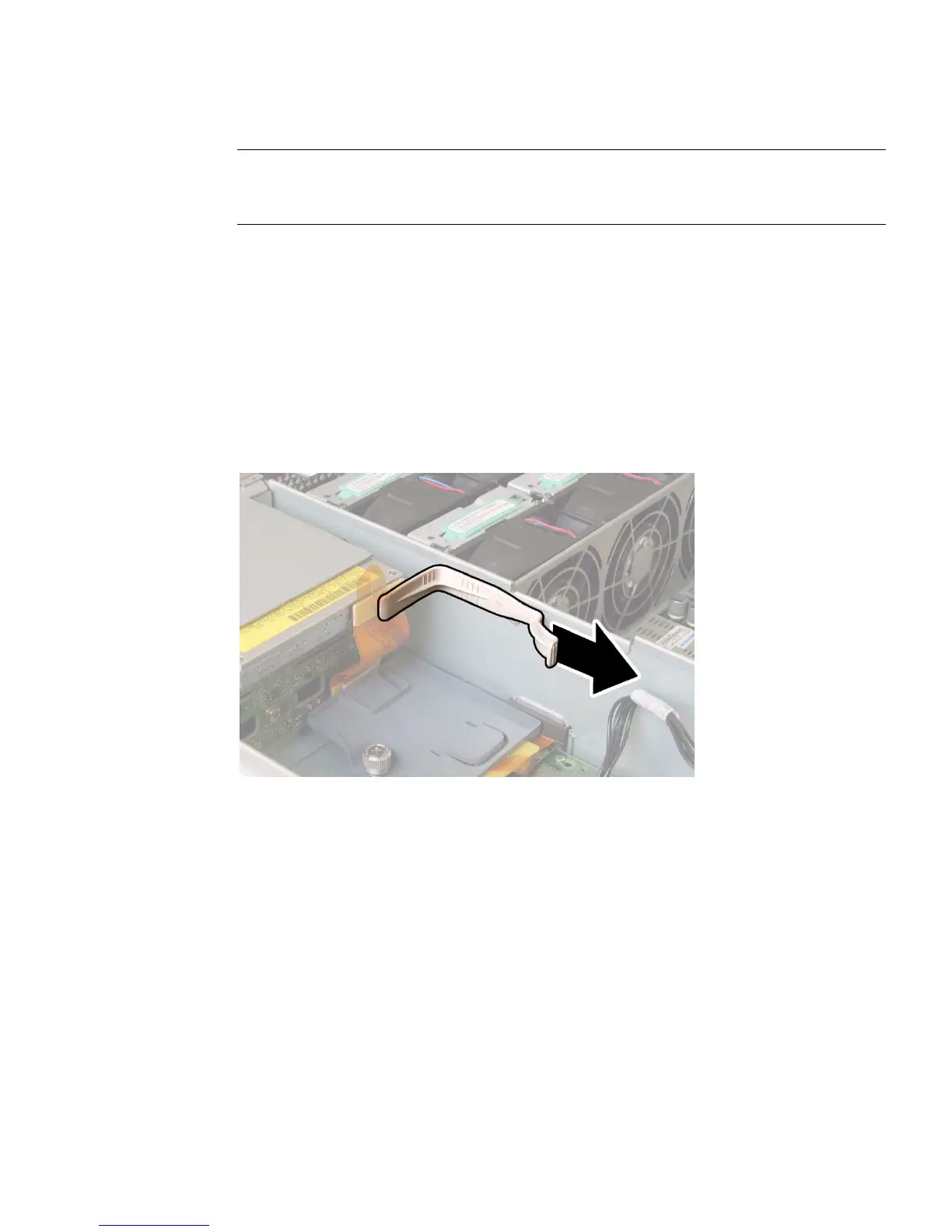
8. Unfasten the spring-loaded thumbscrew that secures the flex cable retainer, and
remove this retainer from the chassis. See
FIGURE 3-46.
FIGURE 3-46 Removing the Flex Cable Retainer














 To Next Page