Chapter 3 Maintaining the Sun Fire Servers 3-59
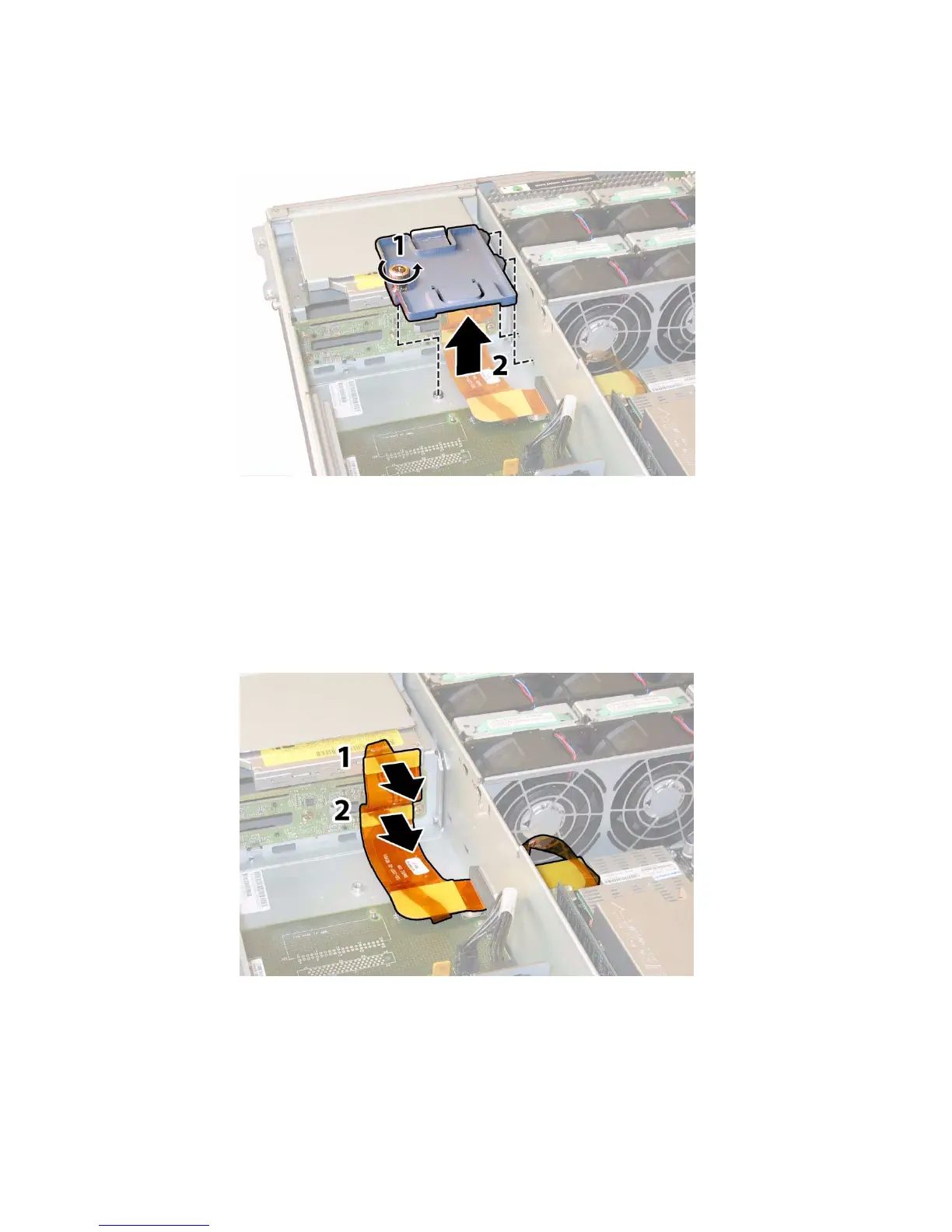
FIGURE 3-47 Removing the Upper Cable Retaine
9. Remove the upper cable retainer from the chassis. Push the retainer toward the
rear of the chassis to free it from the keyed openings in the chassis midwall. See
FIGURE 3-47.
10. Disconnect the flex cable connectors from the rear of the DVD-ROM drive and
the drives backplane. See
FIGURE 3-48.
FIGURE 3-48 Disconnecting the Flex Cable From the DVD Drive and the Drives Backplane
11. Remove the DVD-ROM drive.
a. Pull the spring latch at the front of the DVD-ROM drive to the left and hold
it. See
FIGURE 3-49.














 To Next Page