3-60 Sun Fire X4100/X4100 M2 and X4200/X4200 M2 Servers Service Manual • August 2009
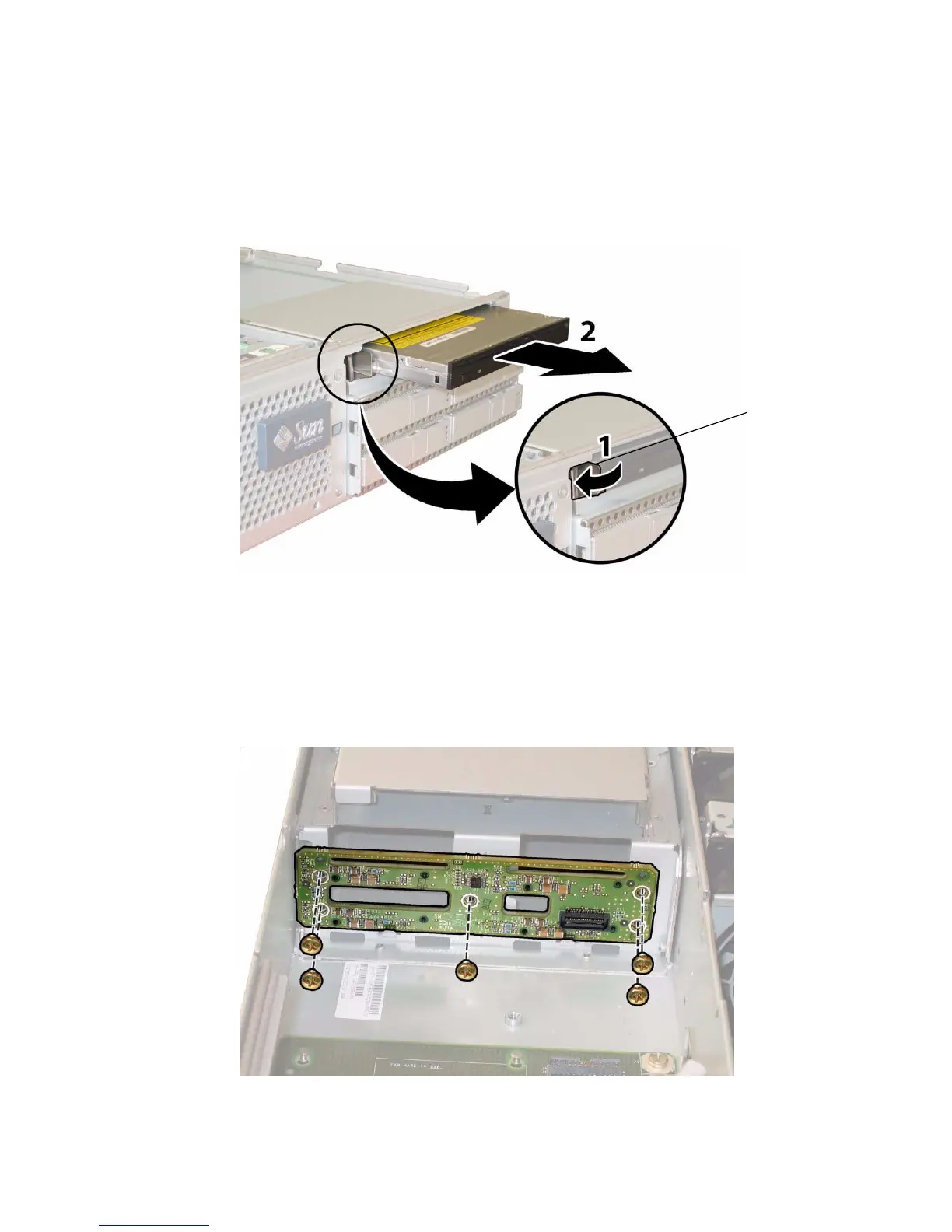
b. Use your other hand to reach behind the drive and push it out through the
front of the chassis.
FIGURE 3-49 Removing the DVD-ROM Drive
12. Unfasten the screws that secure the drives backplane to the rear of the drive
bays. See
FIGURE 3-50.
13. Remove the drives backplane from the chassis.
FIGURE 3-50 Removing the Drives Backplane
1














 To Next Page