Chapter 3 Maintaining the Sun Fire Servers 3-87
9. Remove the flex cable and its attached foam rubber gasket from the chassis
midwall by disconnecting the cable’s four connectors from the following four
locations. See
FIGURE 3-48 on page 59.
a. DVD-ROM drive
b. Hard disk drive backplane
c. Power distribution board (see note below)
d. Motherboard
Note – When reinstalling the flex cable, attach the connector to the power
distribution board (item 3 above) first. Then attach the remaining three connectors in
any order.
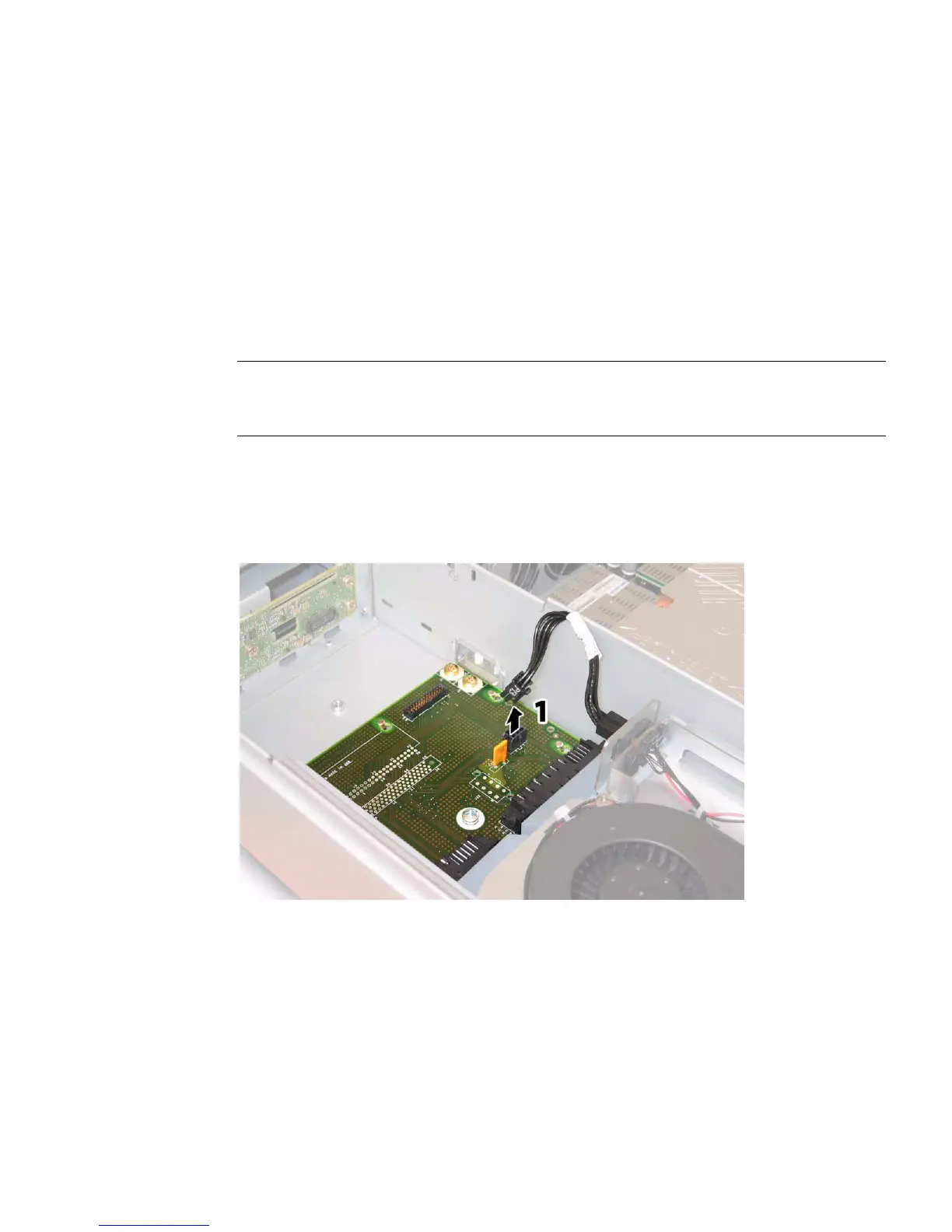
10. Sun Fire X4200/X4200 M2 Only: Disconnect the rear fan tray cable from the
connector on the power distribution board. See
FIGURE 3-70.
FIGURE 3-70 Disconnecting the Rear Fan Tray From the Power Distribution Board














 To Next Page