Chapter 3 Maintaining the Sun Fire Servers 3-5
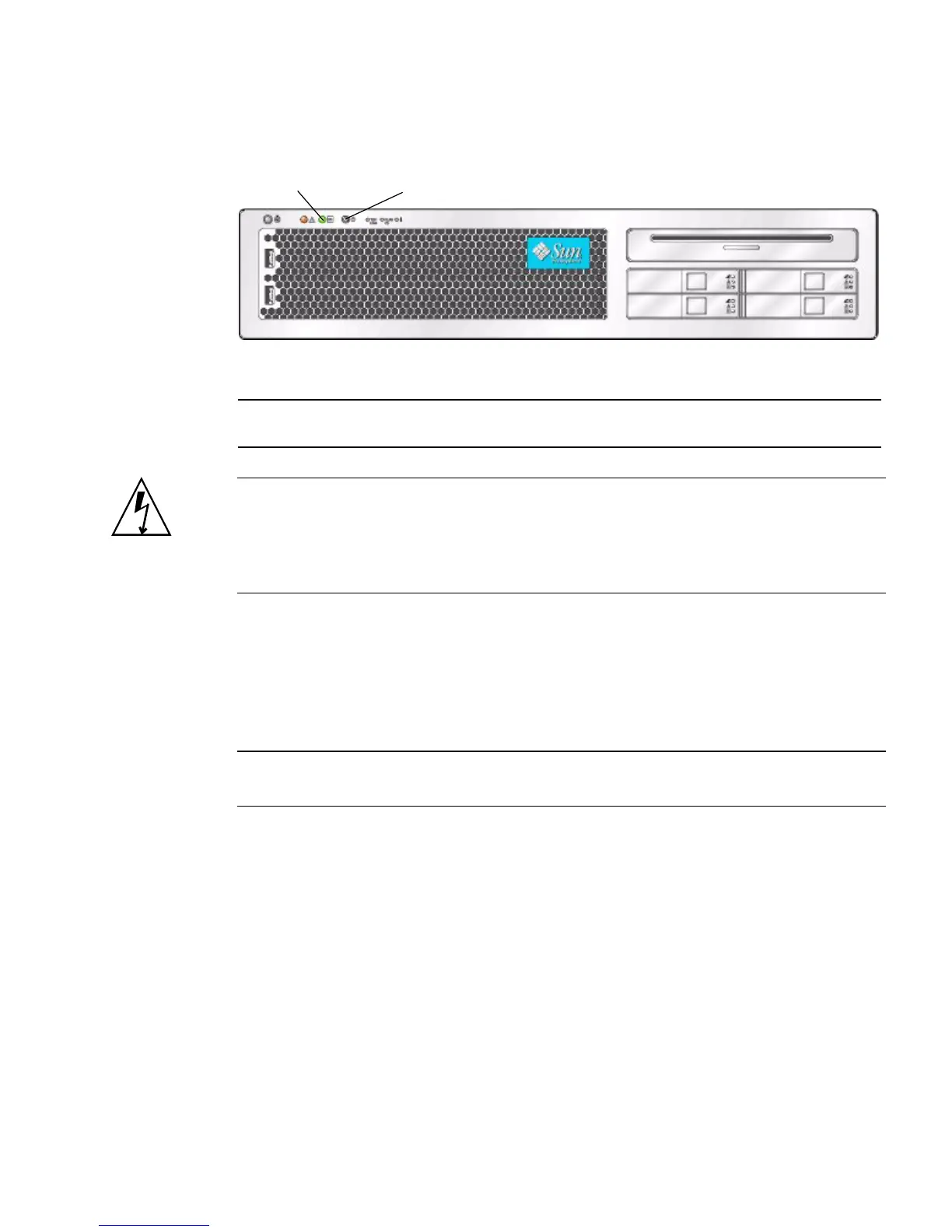
FIGURE 3-2 Power Button and Power/OK LED Location – Sun Fire X4200/X4200 M2
Caution – Before unplugging the power cords from the server or handling internal
components, attach an electrostatic-discharge (ESD) wrist strap to the grounding post
that is built into the rear of the chassis (see
FIGURE 1-2 on page 1-5 for the location). The
system’s printed circuit boards and hard disk drives contain components that are
extremely sensitive to static electricity.
2. Unplug both power cords from the server’s power supplies.
3. Turn off all peripheral devices connected to the system.
4. Label any peripheral cables or telecommunication lines that must be
disconnected in order to remove and replace a specific component.
Note – If your server is a Sun Fire X4200/X4200 M2, skip ahead to Section 3.2 on
page 3-2.
Figure Legend
1 Power/OK LED
2 Power button
2
1














 To Next Page