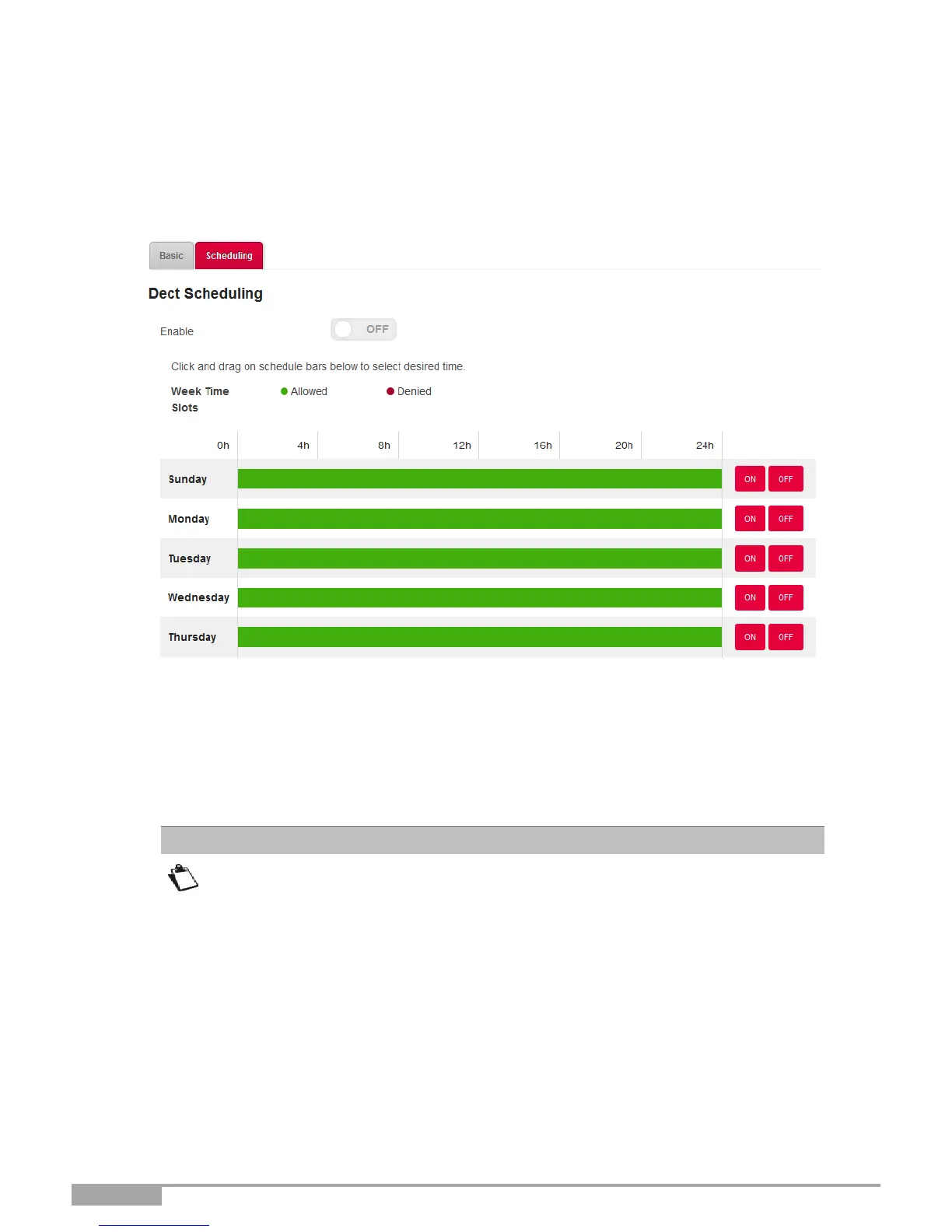
3.8.7 DECT Scheduling
Object: This menu is used to manage DECT scheduling in order to schedule the powering off and on of
the DECT interface of the Sunrise Internet Box.
•
In the DECT menu, select Scheduling. The following screen opens:
To set a schedule for your DECT interface, proceed as follows:
•
Enable the DECT scheduling feature by pressing the “ON” button.
•
Configure the time restriction for each day of the week.
•
Click on the Apply button to save the configuration.
By default, the answering machine is disabled. If you schedule the DECT
interface to be “off” for a selected time slot, you must enable the mailbox on that
line in the “Mailbox settings tab” so that callers are able to leave a message
during the time that the DECT interface is scheduled to be off.
The messages received and saved in the answering machine will be lost in case
of restoration of default.



 To Next Page