Sunrise Internet Box User Manual
3.3.6 Monitor
Objective: The Monitor menu provides a solution for monitoring network traffic. You can display
information about the bandwidth history and generate graphics for all connected devices.
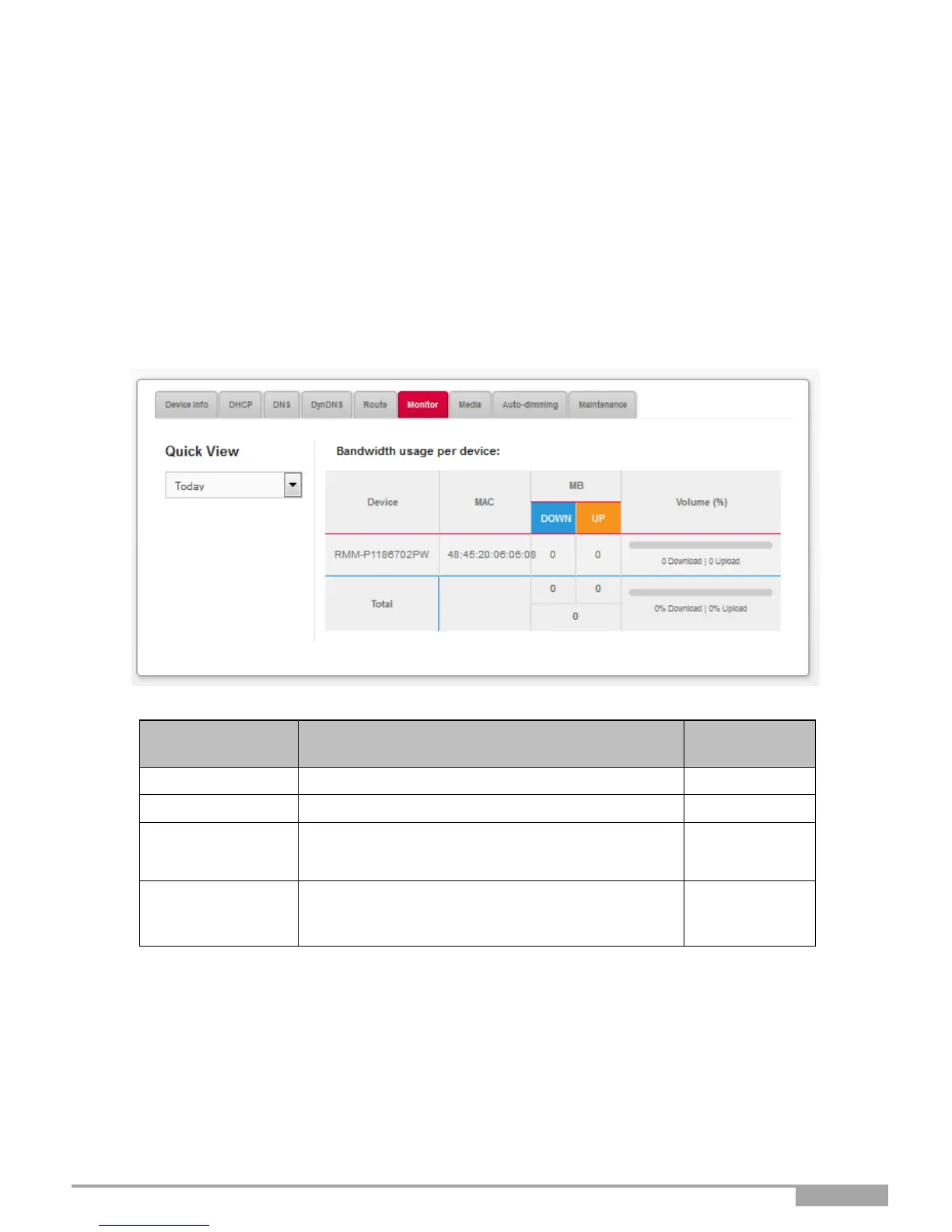
3.3.6.1 Quick View
Objective: This menu allows you to display the bandwidth history for each connected device.
•
In the My Sunrise Internet Box menu, select Monitor > Quick view.
The following screen opens:
For each device, displays the transmission and
reception of uplink and downlink data in Kbps.
For each device, displays the transmission and
reception of uplink and downlink data expressed as
a percentage of the total traffic.
To display the bandwidth history, proceed as follows:
•
Select the desired time monitoring from the scroll-down list or define a specific period.



 To Next Page