3.8.8 DECT Eco Mode
Objective: This menu is used to manage DECT power consumption and radio emissions of your
Sunrise Internet Box. Select the Eco mode for the DECT devices paired with the Sunrise Internet
Box and present in the Telephone Matrix. In this case, power consumption and radio emissions
are reduced.
•
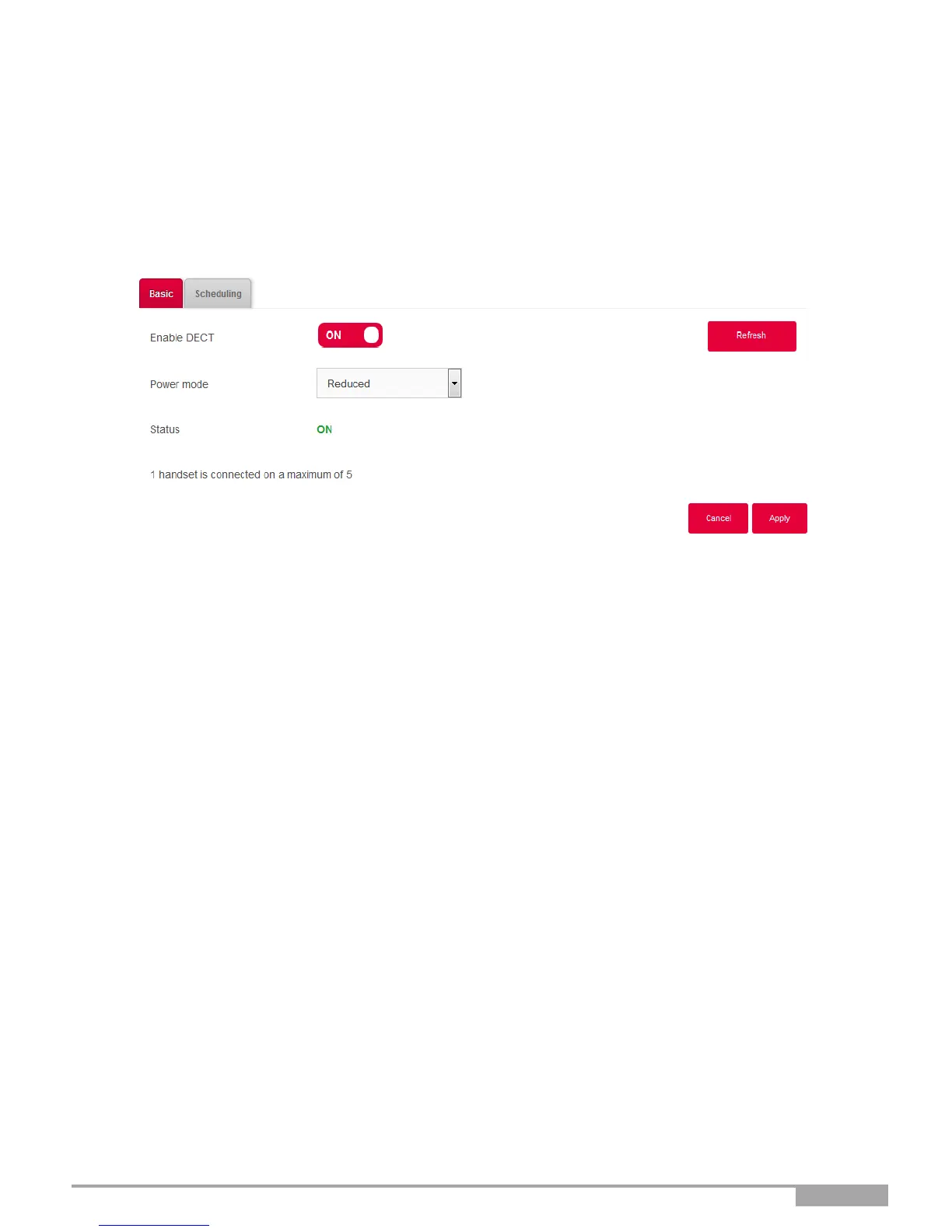
In the DECT menu, select Basic. The following screen opens:
To set your DECT interface in Eco mode, proceed as follows:
•
Select the Reduced power mode in the drop down list.
•
Click on the Apply button to save the configuration.



 To Next Page