Sunrise Internet Box User Manual
3.6.3 Information and configuration of connected devices
3.6.3.1 Device info
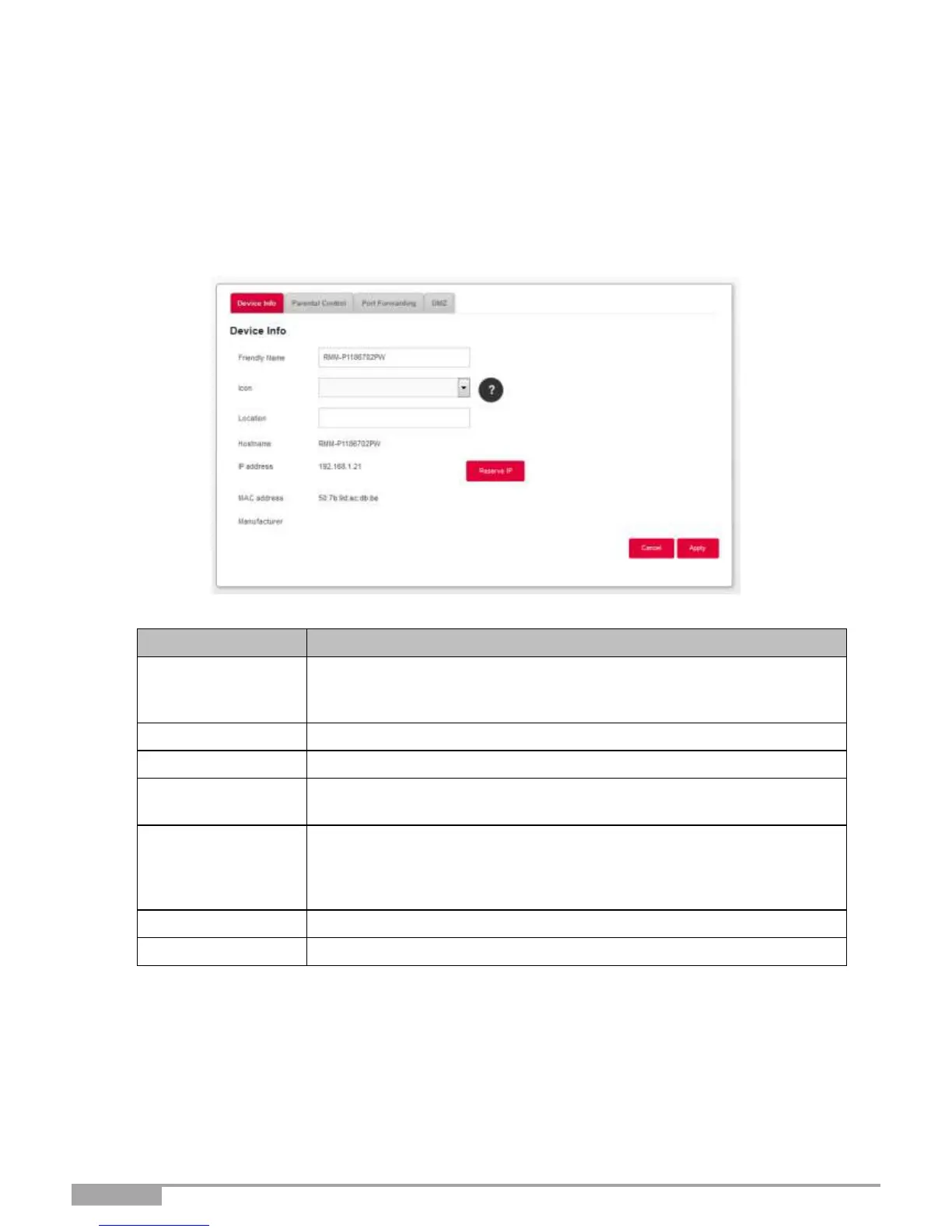
Object: This menu provides some information about the device and allows you to customize several
settings (such as the name) to identify it more easily. It appears when double-clicking on the
chosen device.
You can rename your devices in order to identify them more easily on
your network. This field displays the MAC address when the friendly
name is not defined.
Select an icon from the list to define a category.
Enter information about the location of the device. (optional)
Name of the connected device.
Enter a host name for the connected device.
IP address of the device.
If necessary, you can transform the current IP address into a static IP
address by clicking on the Reserve IP button.
The DHCP server will always supply the same IP address to the device.
MAC address of the device.
Manufacturer of the connected device.
Click on the Apply button to save the new settings.



 To Next Page