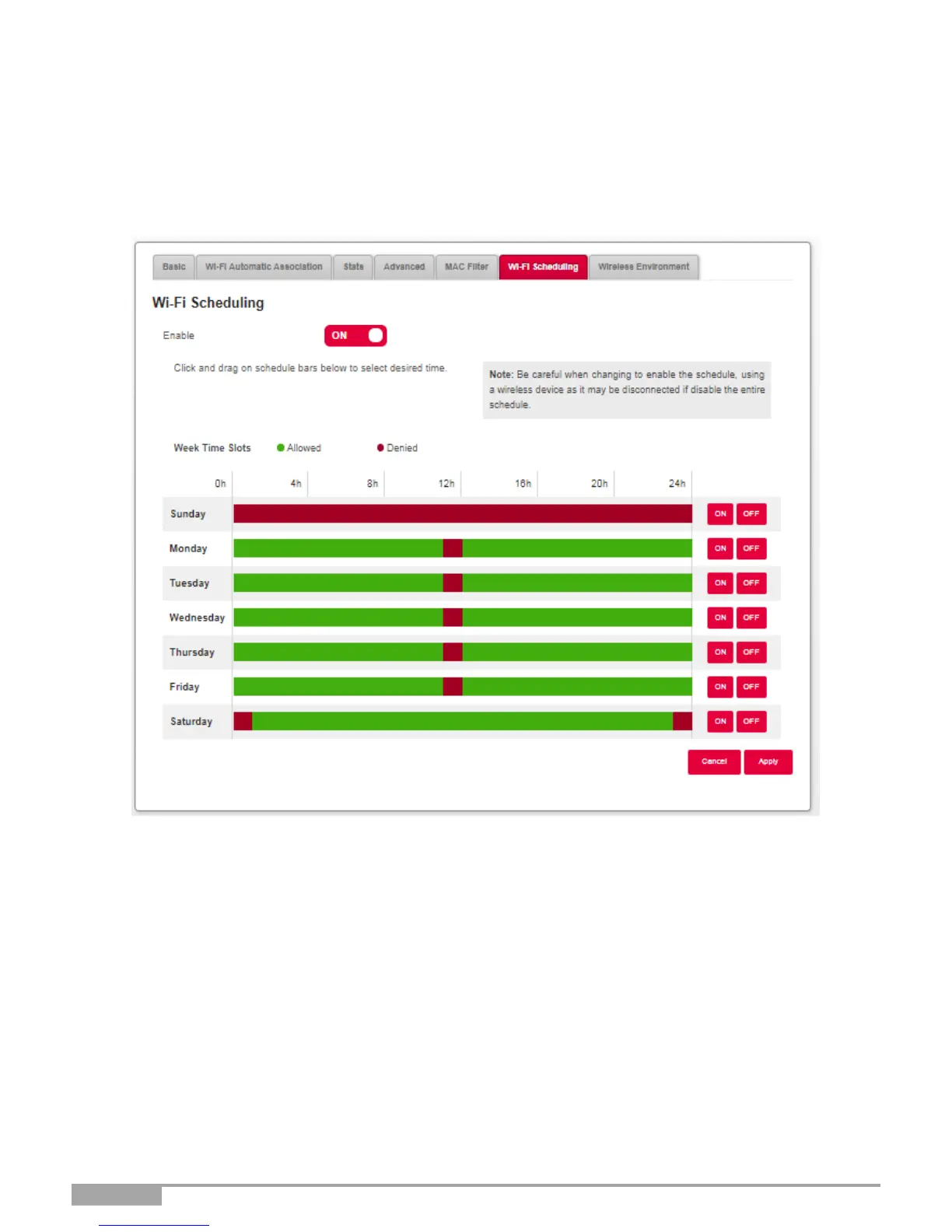
3.7.7 Wi-Fi Scheduling
Objective: This menu is used to manage Wi Fi scheduling in order to schedule the powering off and
on of the Wi Fi radio of Wi Fi 2.4 or 5 GHz.
•
In the Wi Fi menu, select Wi-Fi Scheduling. The following screen opens:
To set a schedule for your Wi-Fi, proceed as follows:
•
Enable the Wi-Fi scheduling feature by pressing the button for “ON”.
•
Configure the time restriction for each day of the week.
•
Click on the Apply button to save the configuration.



 To Next Page