3 Information / Configuration
3.1 Accessing the welcome screen
The configuration of the Sunrise Internet Box can be performed using an Ethernet connection
(PORT1 to PORT4) or via the Wi-Fi connection, depending on the device used (computer, tablet,
etc.).
Your Sunrise Internet Box is then configured using a simple Web browser (e.g. Internet Explorer).
The Sunrise Internet Box's DHCP server function is activated by default with an
address range defined as indicated in Sub-section 3.3.2.
To access the user interface, proceed as follows:
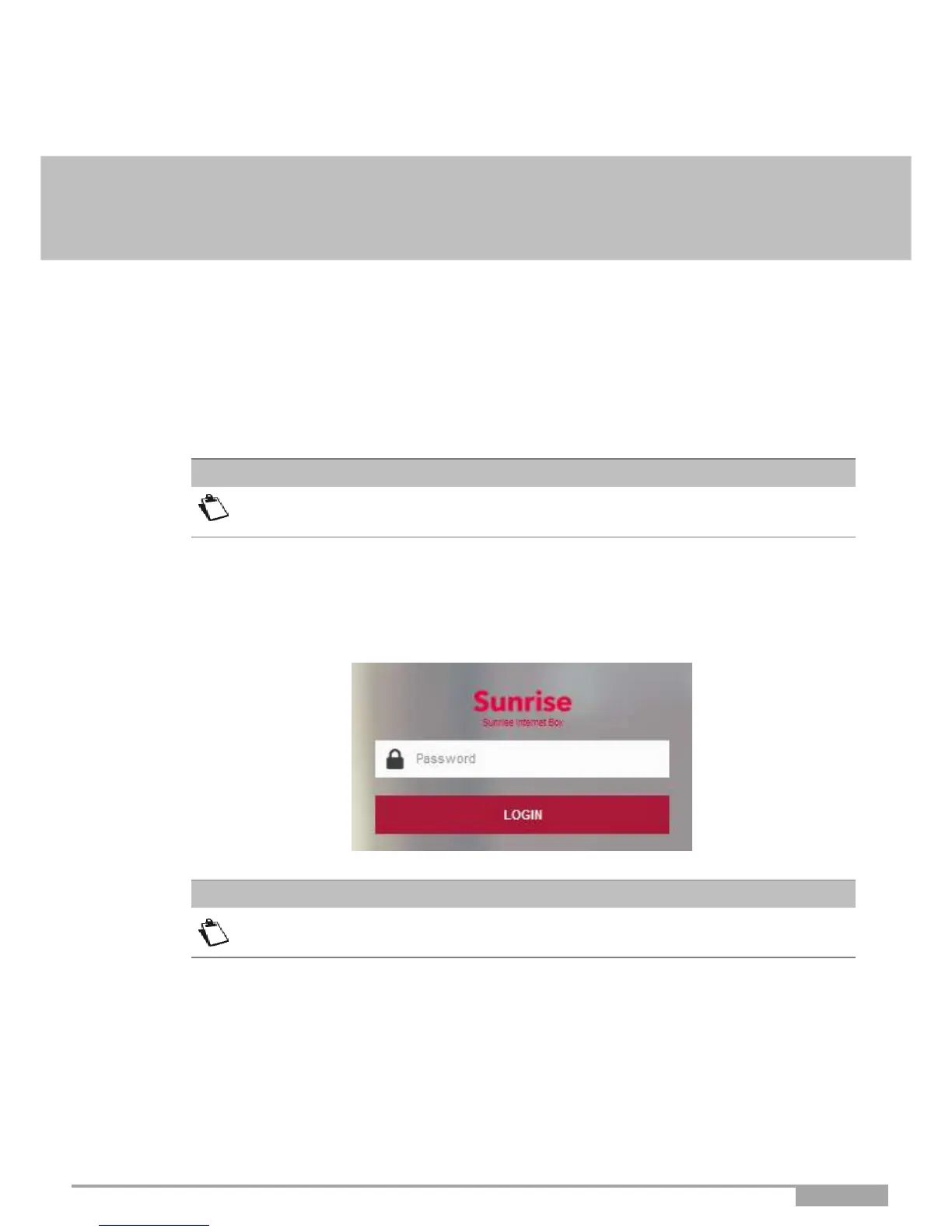
1. Open a web browser and enter the address: http://192.168.1.1 or http://sunrise.box.
2.
In the login screen that appears, enter your password.
By default, the initial password is indicated on the label of the product.
The equipment's IP address (192.168.1.1) appears in the header bar.
3.
Click on LOGIN to validate.



 To Next Page