Sunrise Internet Box User Manual
3.2 Recommendations
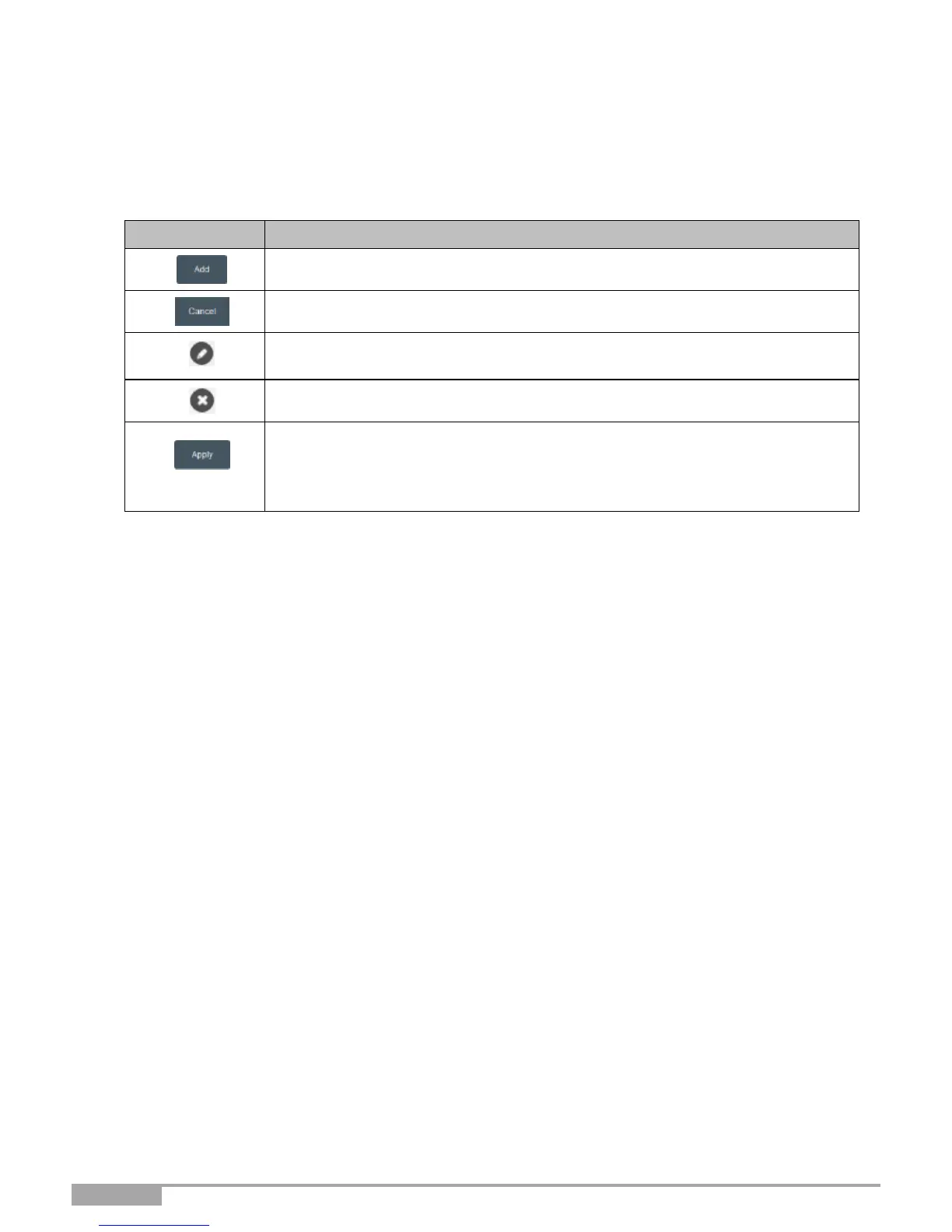
The meaning of the main buttons most commonly present in all the configuration windows is provided in
the table below.
Click on this button to add a new window to fill in the fields used to add an
object.
Click on this button to close the active window and return to the main screen.
Click on this button to display a new window to modify the fields that can be
accessed for a previously selected object.
Click on this button to remove a selected object from a list.
Click on this button to save the entry in the Sunrise Internet Box's non-volatile
(flash) memory.
Note: This value will be taken into account immediately. No need to restart your
Sunrise Internet Box.
Basic principles
1. To make this guide easier to read and understand, it does not state that each time you
enter information into a screen you must click on Apply (except, of course, if this is
necessary).
2.
When you select a section, the screen for the first menu in the section is displayed. In the same
way, when you select a menu, the screen for the first sub-menu is displayed.
3.
All the fields in the different screens are explained in a table.



 To Next Page