Sunrise Internet Box User Manual
3.3.8 My Media
Objective: This menu lets you access to shared multimedia contents (audio, video, pictures) as
defined in the Previous Section Media.
•
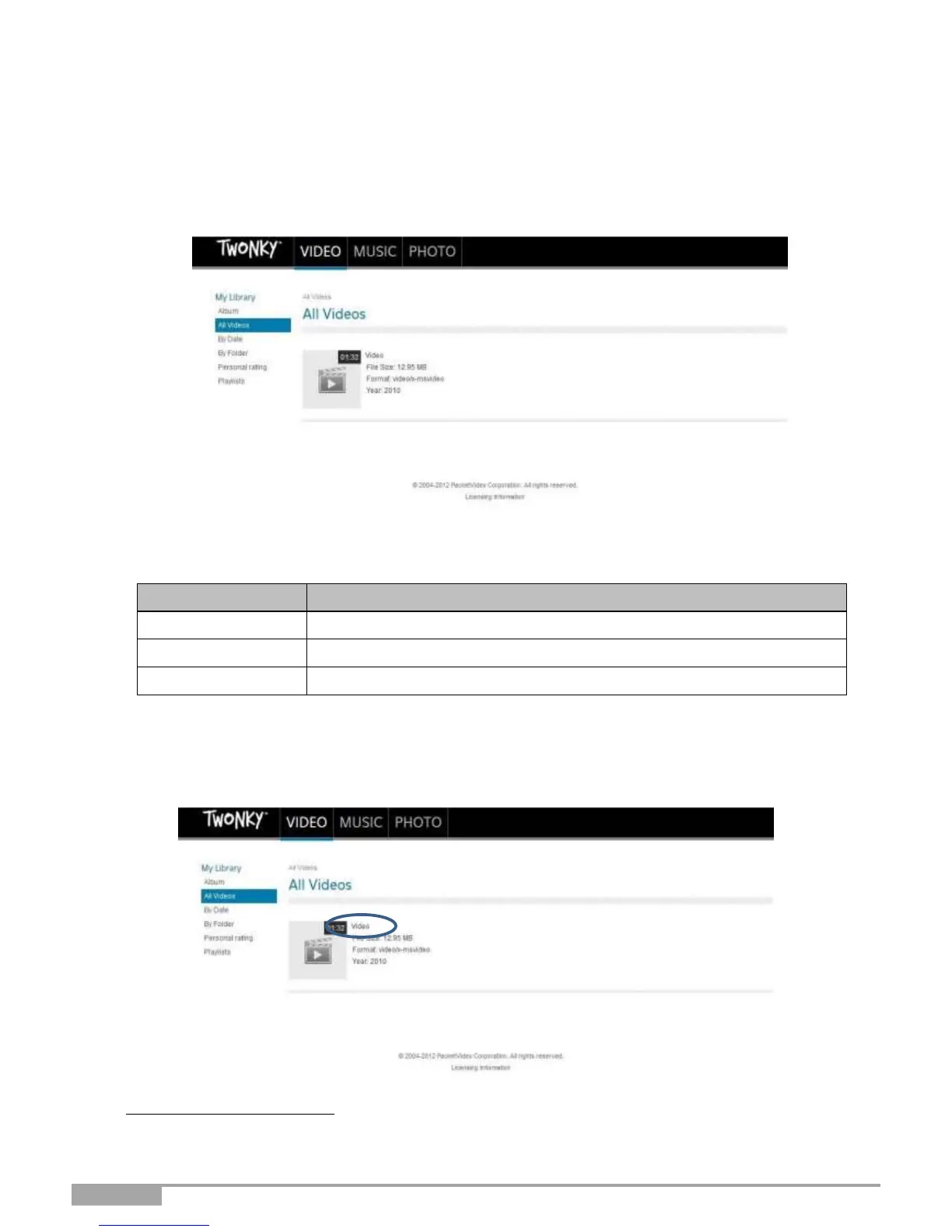
To access the shared contents, click on My Media from the welcome screen. The following screen
opens.
By default, the video contents are selected. In the Top Menu, you can select the type of contents you want
to play.
Access to video contents shared on your USB drive
Access to audio contents shared on your USB drive
Access to photo contents shared on your USB drive
In the left-hand menu, you can browse your shared library based on various criteria (Date, Folder,
Album, Artist, Genre, etc.).
To play
1
the multimedia content you have selected, click on the name of the selected file in the main frame.
1.
Depending on your web browser, playing may require further configuration of the web browser.



 To Next Page