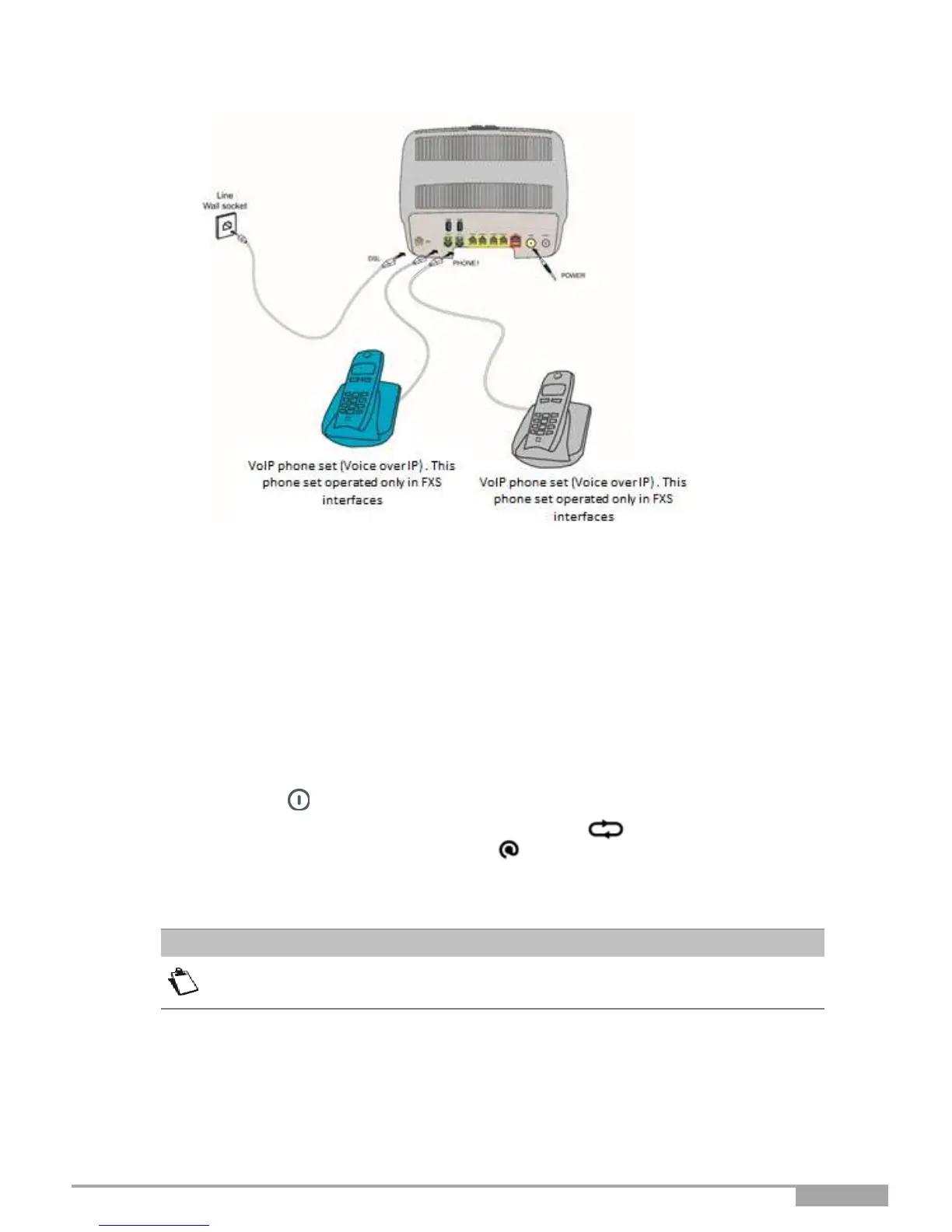
Figure 2.4 - ADSL/VDSL line / telephone set / Power Supply Connection (Total local loop unbundling)
2.4.3 Powering up
4. First connect the end of the power adapter lead, supplied with the equipment, to the POWER socket
on your Sunrise Internet Box.
2.
Connect the other end of the power adapter lead to a nearby power outlet.
3.
Press on the button to turn the device ON.
4.
The power central LED (above Sunrise logo) will light up. The LED blinks during the
establishment of the DSL link, then steadies. The LED becomes steady when Internet connection
has been created successfully.
The powering up process takes around one minute and can take more time on
ADSL, VDSL and G.fast.



 To Next Page