3.10.3 My Cloud
Objective: This menu lets you configure access to your preferred cloud services.
•
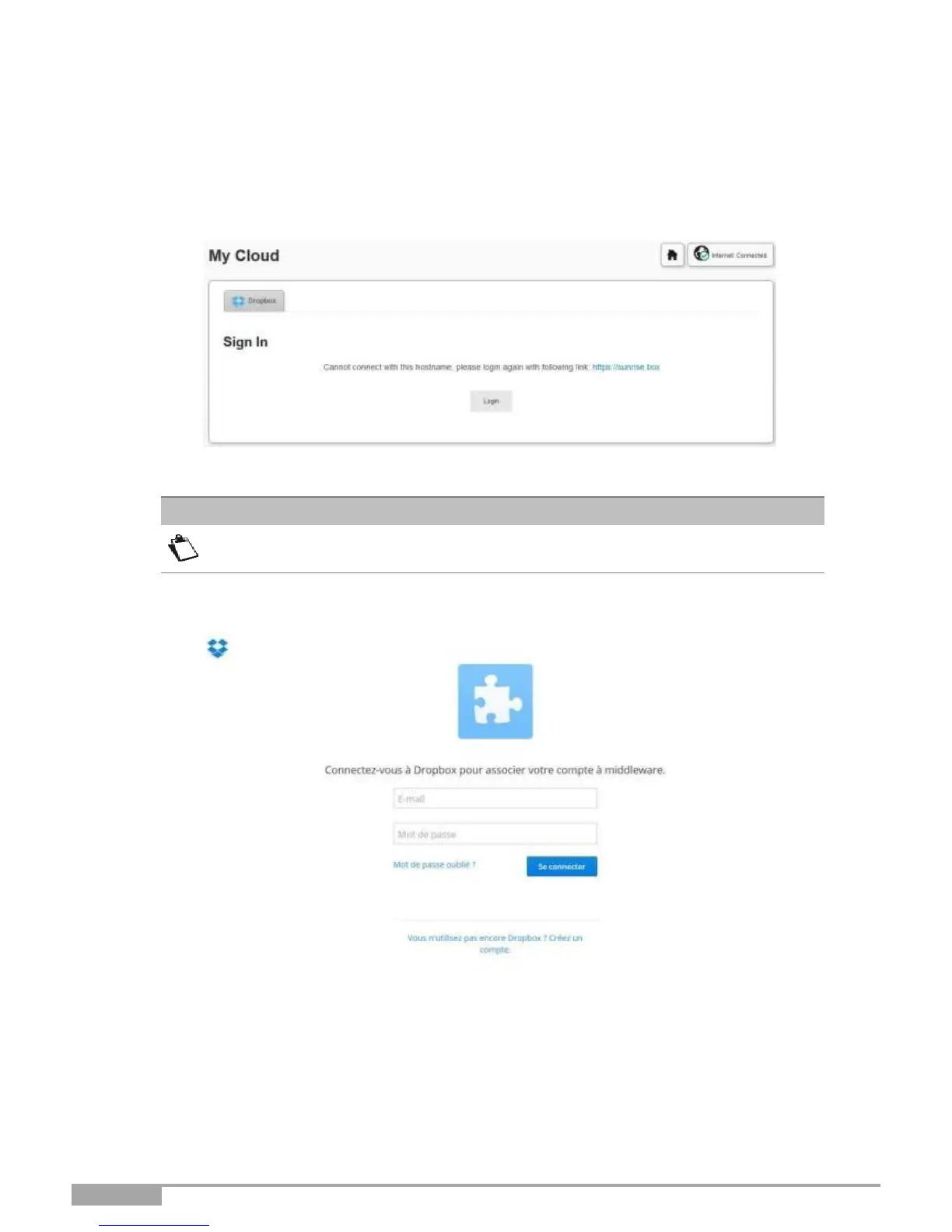
To access the Cloud service, click on My Cloud from the welcome
screen. The following screen opens:
•
Click on the Login button.
The account must have been created before doing this step.
•
The authentication Dropbox screen opens. Enter your login (e-mail) and password then click on the
Connect button.



 To Next Page