Sunrise Internet Box User Manual
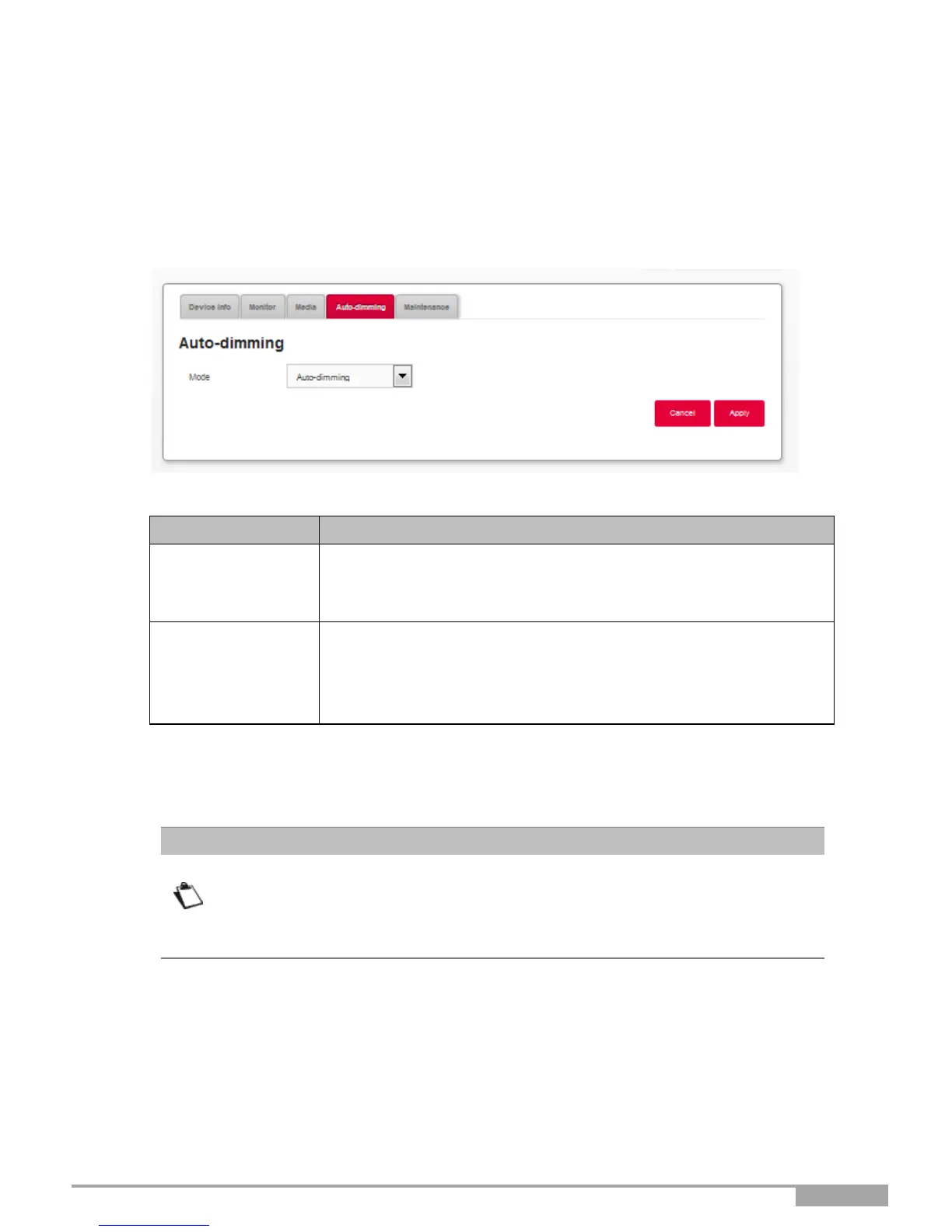
3.3.9 Auto-dimming
Objective: This menu lets you adjust the brightness of the LEDs on the front panel.
Auto-dimming mode: In this mode, the LED brightness is automatically controlled and adjusted
according to daily sunset and sunrise times.
•
In the My Sunrise Internet Box menu, select Auto-dimming.
Select one of the following from the relevant drop-down list:
•
Auto-dimming
•
Manual
Select one of the following from the relevant drop-down list:
•
OFF: All LEDs are off.
•
Dimming
•
100%: the brightness is set at the maximal level.
a. This field only appears when "Manual" is selected in Mode field. Auto-dimming is disabled in
manual mode and you can set the brightness you desire.
The adjustment of the LED brightness can also be done with the Wi-Fi and
DECT buttons located on the top of the Sunrise Internet Box. Simultaneously
pressing on the Wi-Fi and DECT buttons will disable the auto-dimming function.
Consecutively pressing on these buttons will switch between the three manual
states for LED brightness.



 To Next Page