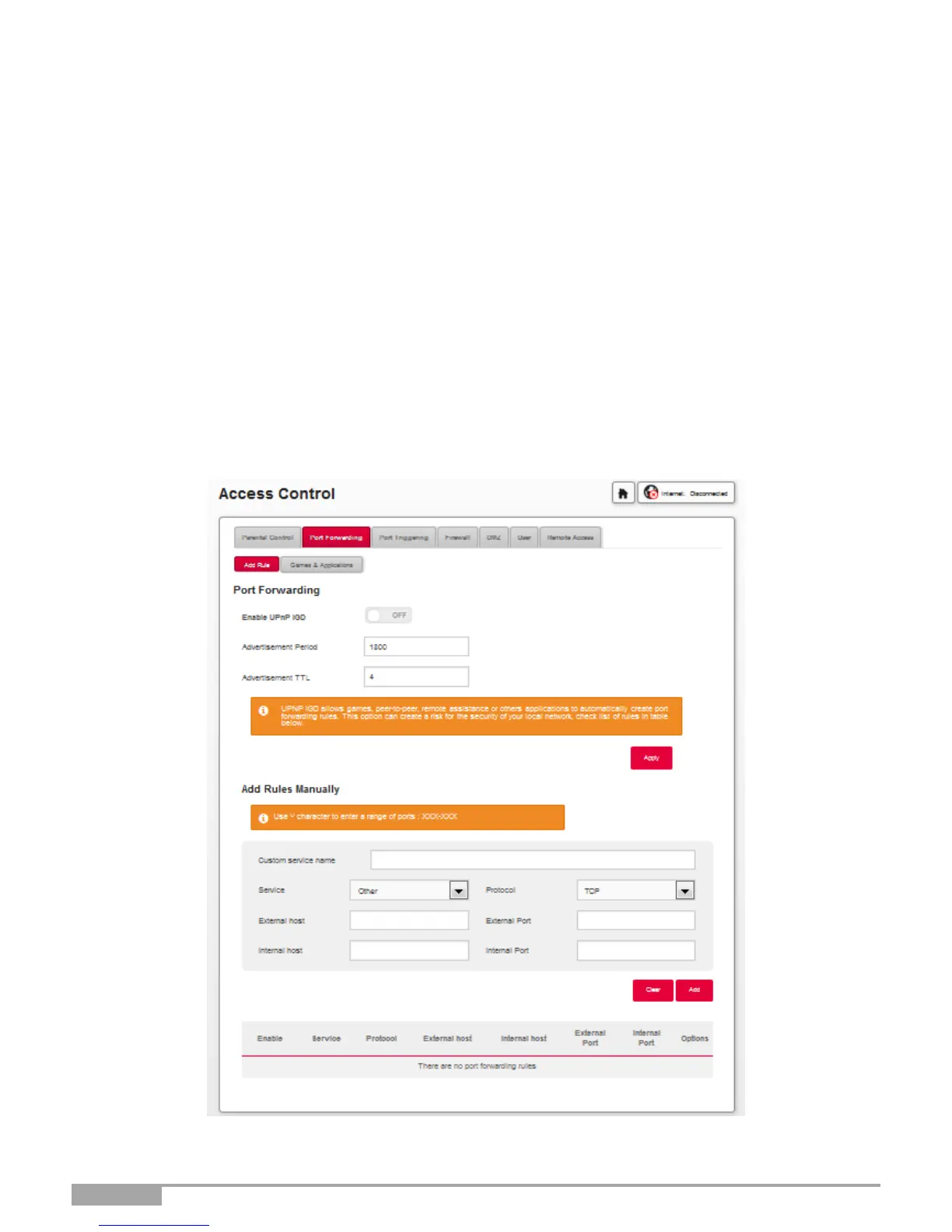
3.4.2 Port Forwarding
Objective: This menu is used to route incoming data from a Service server directly to the External ports
(e.g. the FTP Server, SNMP, TFTP, etc.) of the remote network (WAN) to computers on the local
network (LAN) via the Internal ports.
This Section contains the following menus:
•
Add rule
•
Games and Applications
3.4.2.1 Add Rule
•
In the Access Control menu, select Port Forwarding > Add Rule.
The following screen opens:



 To Next Page