Sunrise Internet Box User Manual
3.7.3 WPS
Objective: This menu lets you access the WPS parameters for easy pairing with your wireless clients.
•
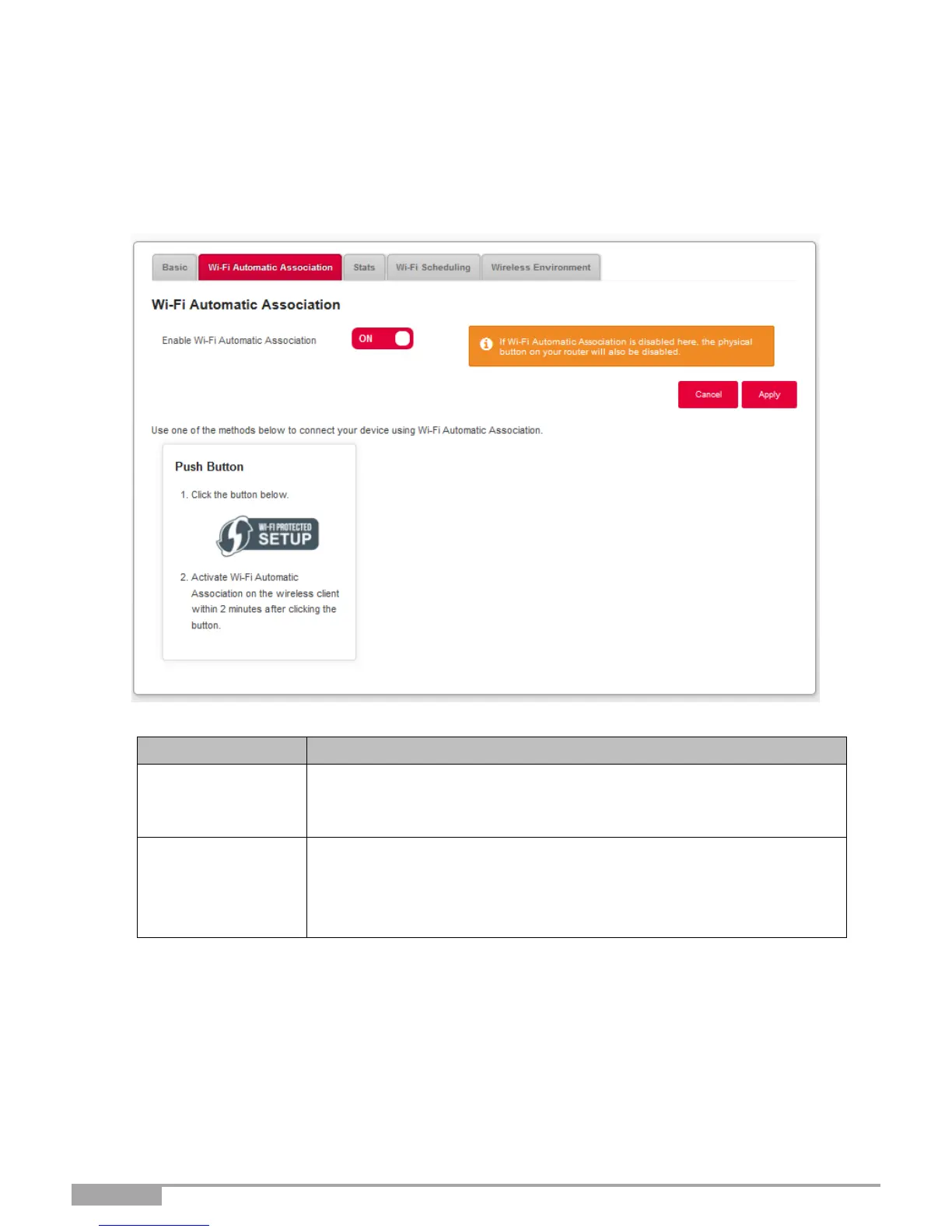
In the Wi-Fi xGHz menu, select WPS. The following screen opens:
Click on the ON/OFF button to activate or deactivate the WPS function.
Note: When OFF, the WPS function enhanced by the Wi-Fi button on
the Sunrise Internet Box is also disabled.
To connect a device by using the WPS Push Button.
Press on Wi-Fi-Protected setup button on the Interface (or hold down
(more than 5s) the Wi-Fi button on the top of the Sunrise internet Box),
then on the WPS button of your device.



 To Next Page