Sunrise Internet Box User Manual
3.4.5 DMZ
Objective: This "DMZ" (DeMilitarized Zone) lets you access the server you selected directly via the
Internet without going through the "firewall."
•
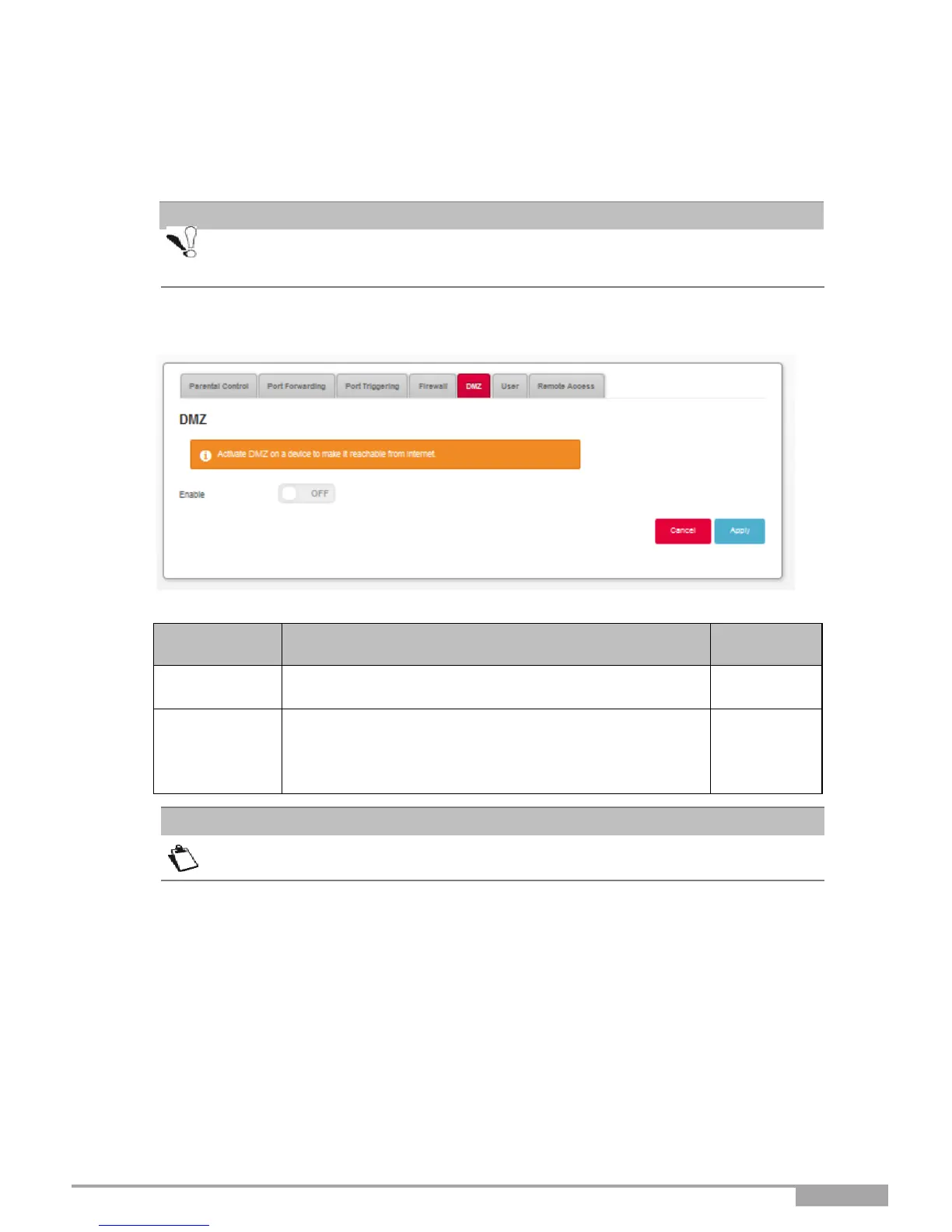
In the Access Control menu, select
DMZ. The following screen opens:
Click on the ON/OFF button to activate or deactivate the
DMZ.
Enter the IP address of a server to activate the "DMZ"
and then access it directly from the Internet.
Note: Click on the Apply button to confirm the address
or its deletion.
The DMZ zone is deactivated by default.
Caution: This process presents an intrusion risk. It is therefore vital that you take
precautions so that no connections may be initiated to the private network.



 To Next Page