3.5 Internet Connection
The Internet connection settings are accessible from the welcome screen by clicking on Internet
Cennectivity.
This Section contains the following menus:
•
Basic (see Sub-section 3.5.1)
•
3G/LTE Backup (see Sub-section 3.5.2)
•
Traffic speed monitoring (see Sub-section 3.5.3)
3.5.1 Basic
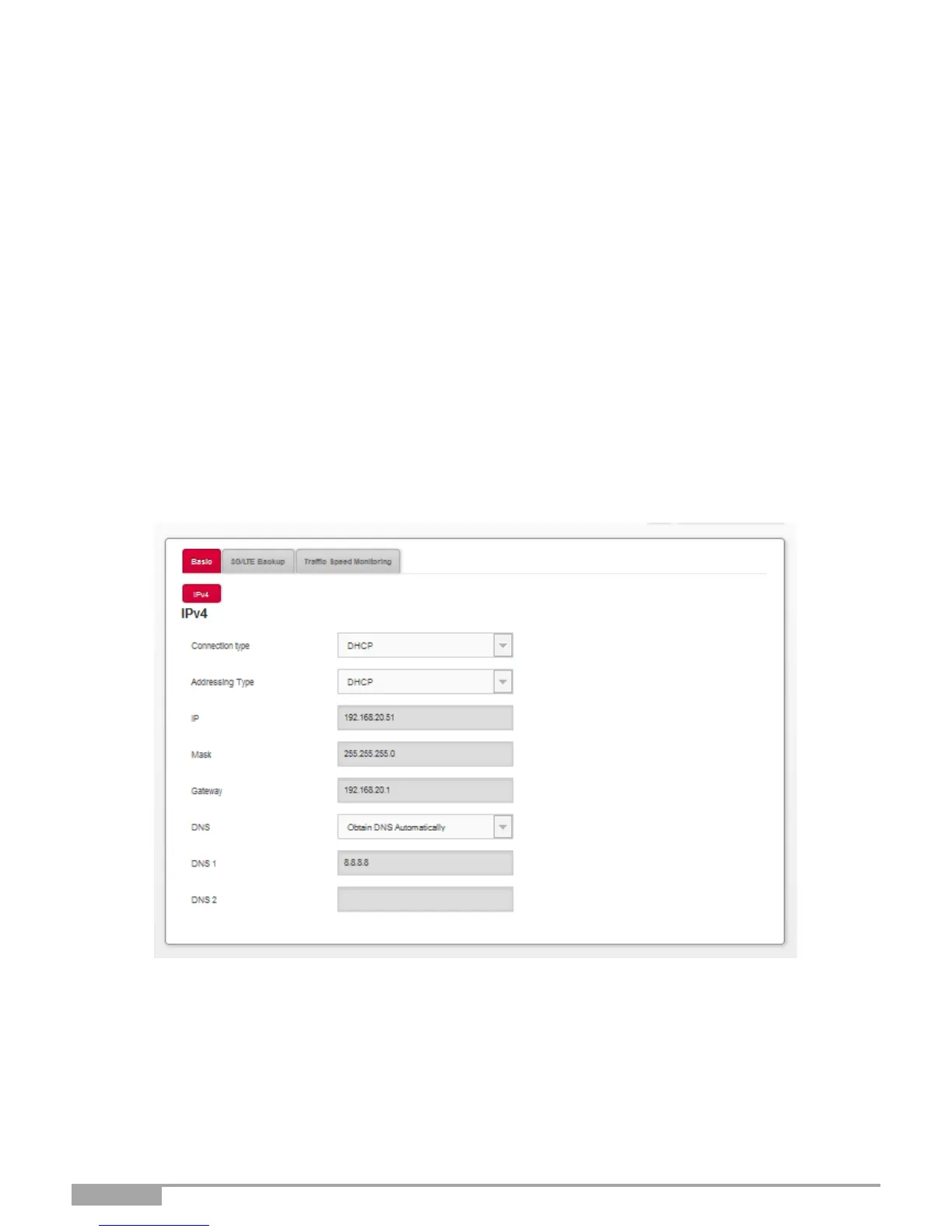
Object: Use this menu to check your Sunrise Internet Box IP settings (IP address, DNS) received from
the network.
•
In the Internet Connectivity menu, select Basic. The following screen opens:



 To Next Page