3.7.5 Mac Filter
Objective: This menu is used to enable or deny access of devices to the wireless network of the
Sunrise Internet Box based on their MAC addresses.
•
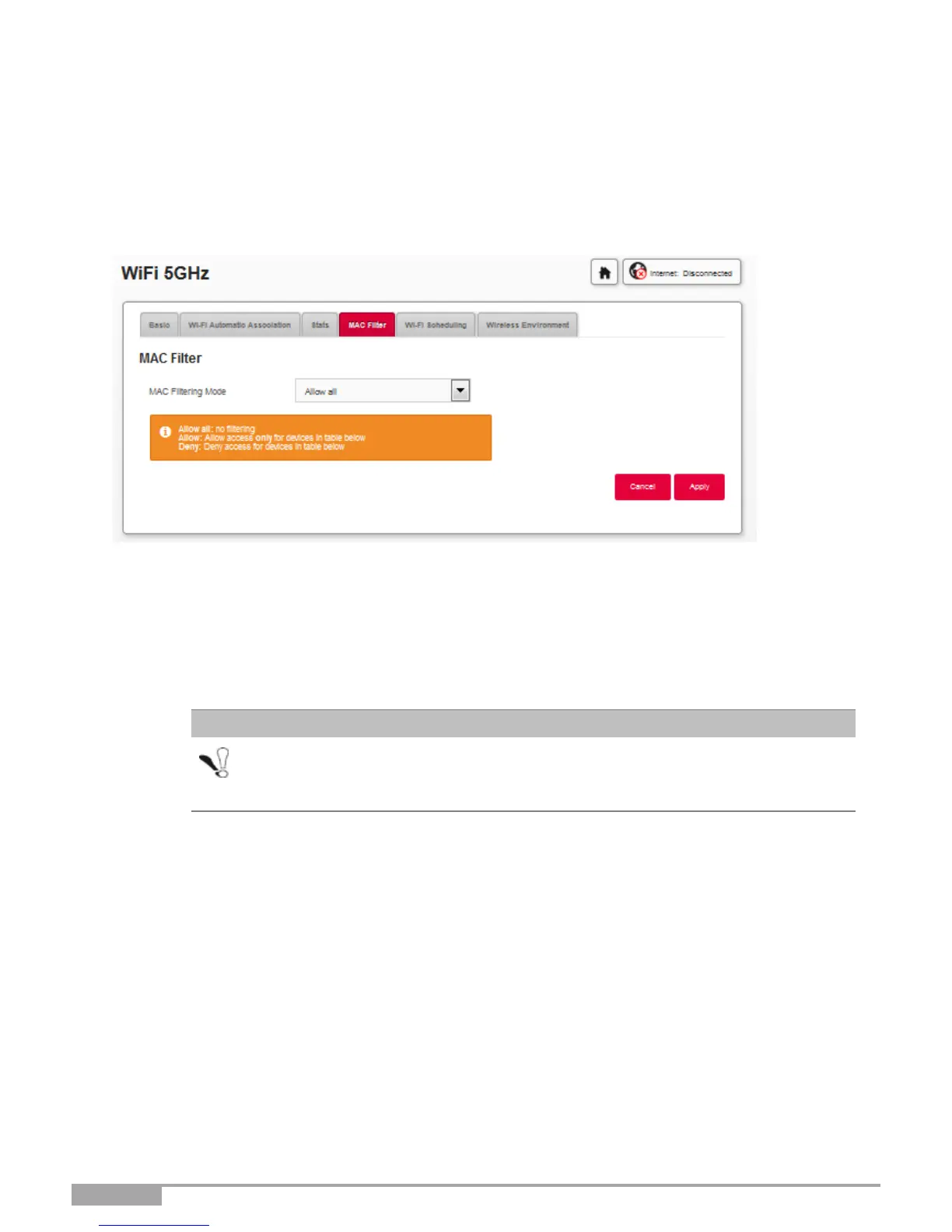
In the Wi-Fi xGHz menu, select Mac Filter. The following screen opens:
Select the MAC filtering mode:
a) If you choose “Allow all”: No filtering will be applied. All the devices can connect.
b) If you choose “Allow”: It will allow access only for devices whose MAC address has been entered in the
table of this Section.
c) If you choose “Deny”: It will deny access for devices whose MAC address is in the table of this Section.
Changing this feature to “Allow” or “Deny” will have an immediate impact on
all your devices connected via Wi-Fi in this frequency. Please double check
the devices in the MAC table before making any selection.



 To Next Page