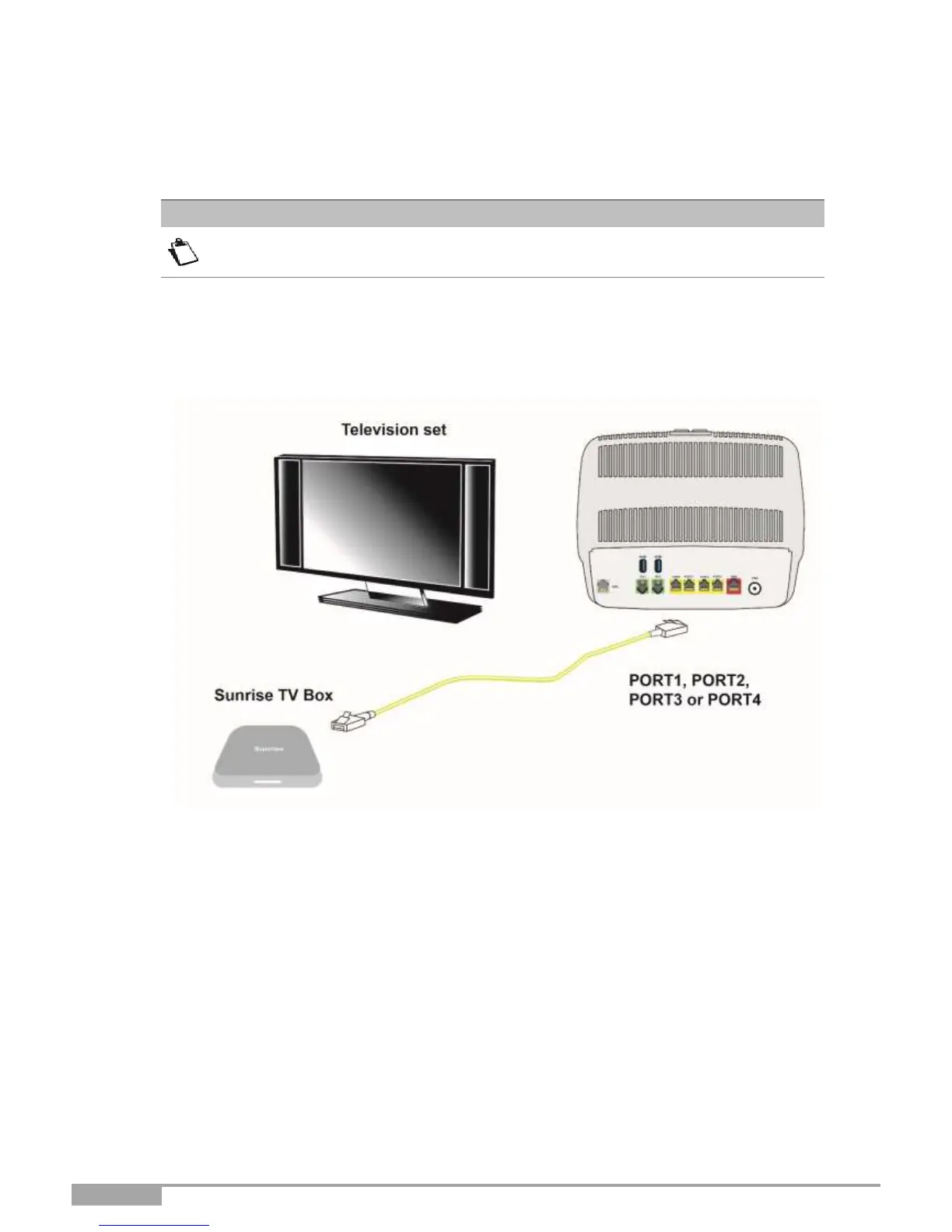
2.4.4 Connecting a Set Top Box (STB) to your Sunrise Internet Box
2.4.4.1 Via Ethernet cable
For connection to the Set Top Box, refer to the manufacturer's documentation.
5. Connect the end of an Ethernet cable (RJ45/RJ45) to one of the Ethernet fixed connectors (PORT1,
PORT2, PORT3 or PORT4) of your Sunrise Internet Box.
2. Connect the other end of the cable to a TV decoder.
Figure 2.5 - Set Top Box connection in Routed mode



 To Next Page