EasyManua.ls Logo

Sunrise Internet Box - Leds

Sunrise Internet Box
156 pages
Print Icon
To Next Page IconTo Next Page
To Previous Page IconTo Previous Page
Loading...
Page 14
Sunrise Internet Box User Manual
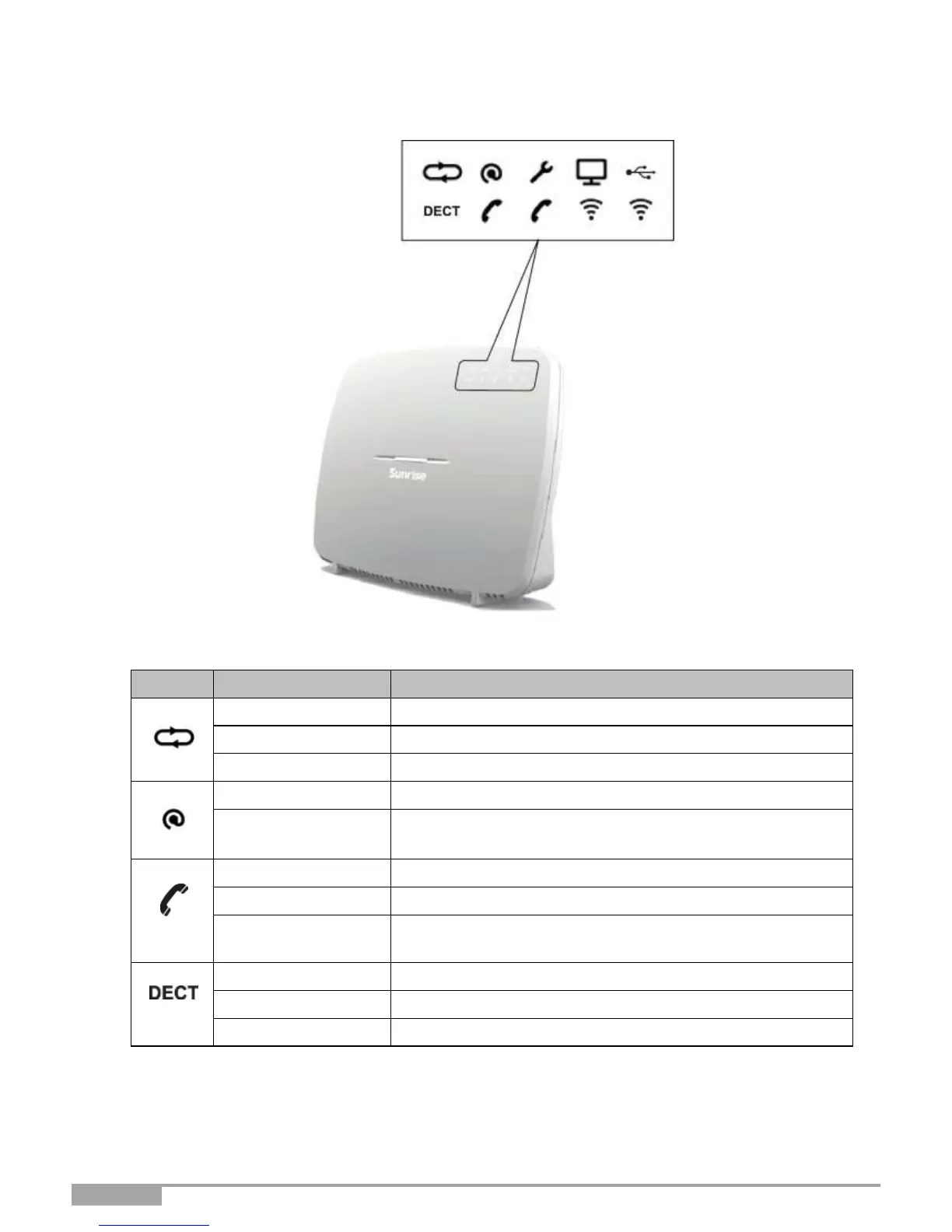
2.1.2 LEDs
The following table describes the meanings of the LEDs on the front panel of the Sunrise Internet Box:
LED
Status
Meaning
DSL
Steady
DSL Up / Fiber (SFP or WAN) mode activated
Blinking
DSL signal found / synchronization in progress
Off
No DSL signal / Fiber (SFP or WAN) mode not activated
Internet
Off
Power Off / DSL down / No WAN IP
Steady
WAN IP configured
Phone 1
or 2
Steady
Telephone service is configured and line is registered.
Red blinking
Registration failed
Off
No VoIP service
Steady
Telephone service is configured.
Blinking
DECT pairing mode in progress.
Off
DECT base Off or radio disabled (eco mode)

Table of Contents

Other manuals for Sunrise Internet Box

Related product manuals