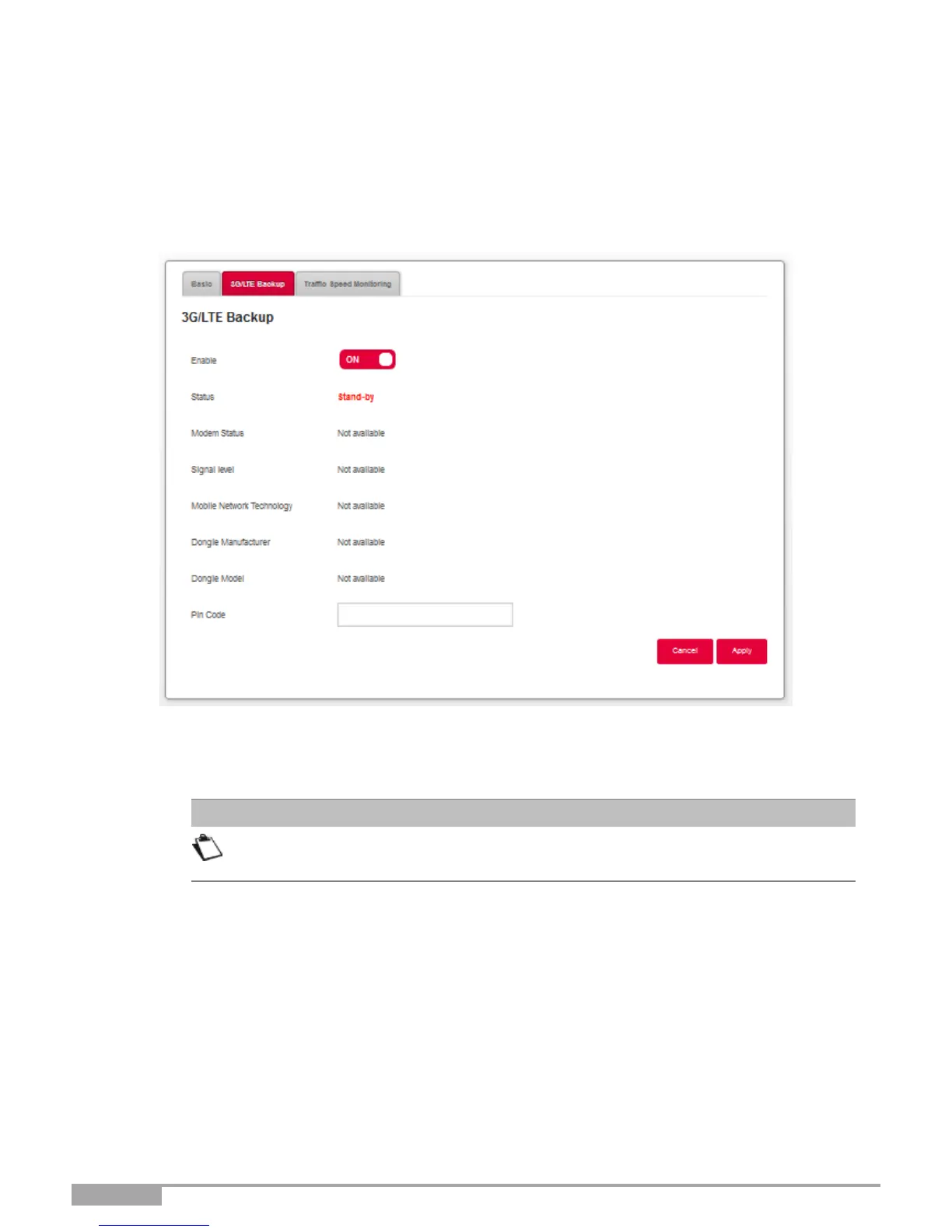
3.5.2 3G/LTE Backup
Objective: Use this menu to check your 3G/LTE back up feature status.
3G/LTE Backup: The following screen opens:
1.
Plug the 3G/LTE USB stick into one of the USB ports on the Sunrise Internet Box.
2.
The feature 3G/LTE back up is enabled by default once you have connected the USB stick. There is
nothing more for you to do.
The device recommended by Sunrise for the 3G/LTE Backup feature is the
Huawei E3372 4G LTE Cat4 USB Stick.



 To Next Page