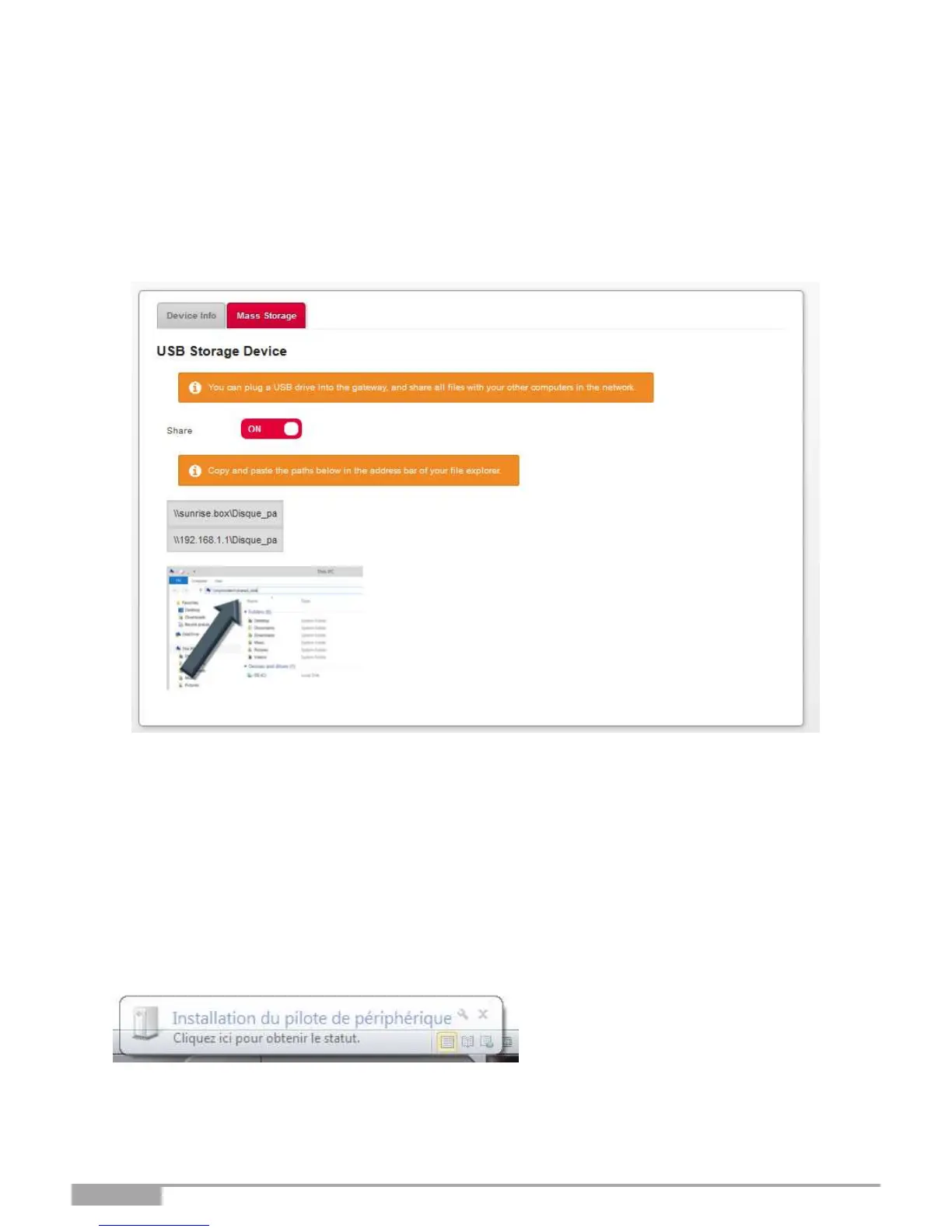
3.9.1.2 Mass Storage
Objective: You can share all files contained on the USB drive connected to the Sunrise Internet Box
with other computers on the network.
Use the ON/OFF button to activate or deactivate sharing of the current USB drive. To allow access to
this shared folder, you must communicate the path to other users.
3.9.2 Printer sharing
Objective: This Section describes how to use a USB printer connected on the Sunrise Internet Box
from a LAN PC.
Introduction: Print sharing is available on the Sunrise Internet Box. It is based on the IPPrint protocol. All
printers should be compatible as long as their drivers are available and installed on the LAN PC.
•
First, you need to make sure that your PC can control the Printer.
•
Connect the Printer directly to the PC via a USB cable. Power on the Printer.
•
With Windows 7 (or more recent), the printer driver will be installed automatically.
•
Check that the printer driver is successfully installed on your PC. In case of errors, you can try Windows
Update to reinstall the driver to manage the Printer from the PC.



 To Next Page