Sunrise Internet Box User Manual
3.10.2 Phonebook
3.10.2.1 Contacts
Objective: You can create a phonebook in your Sunrise Internet Box and share it with all connected
phones. You can create your contacts or import them from external sources (file or web server).
•
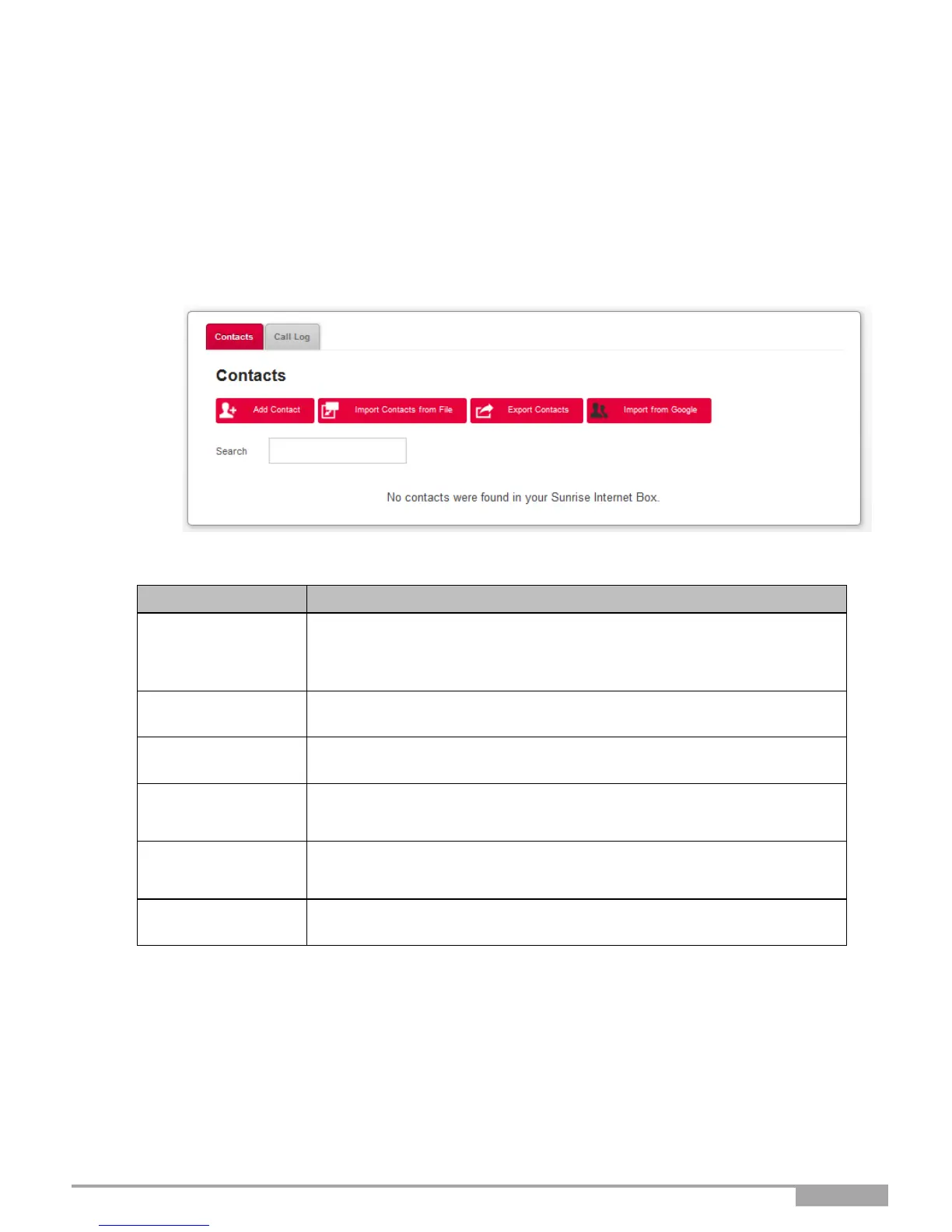
To access the phonebook, click on Phonebook from the welcome
screen. The following screen opens.
Allows you to manually add your contacts to the phonebook. Click on
the Add contact button.
The input screen appears, where you must fill in the required fields.
Click on the Apply button to complete the operation.
Allows you to import new contacts from a file.
Allows you to export the current phonebook to a file.
Allows you to import new contacts from web services such as Google.
Here, you can import your complete list of contacts or preselect them
before import.
To search for a contact in the list, type the first few letters of the name.
A filter is applied, so that only the names matching your search are
displayed.
This button allows you to delete all contacts in the phonebook.



 To Next Page