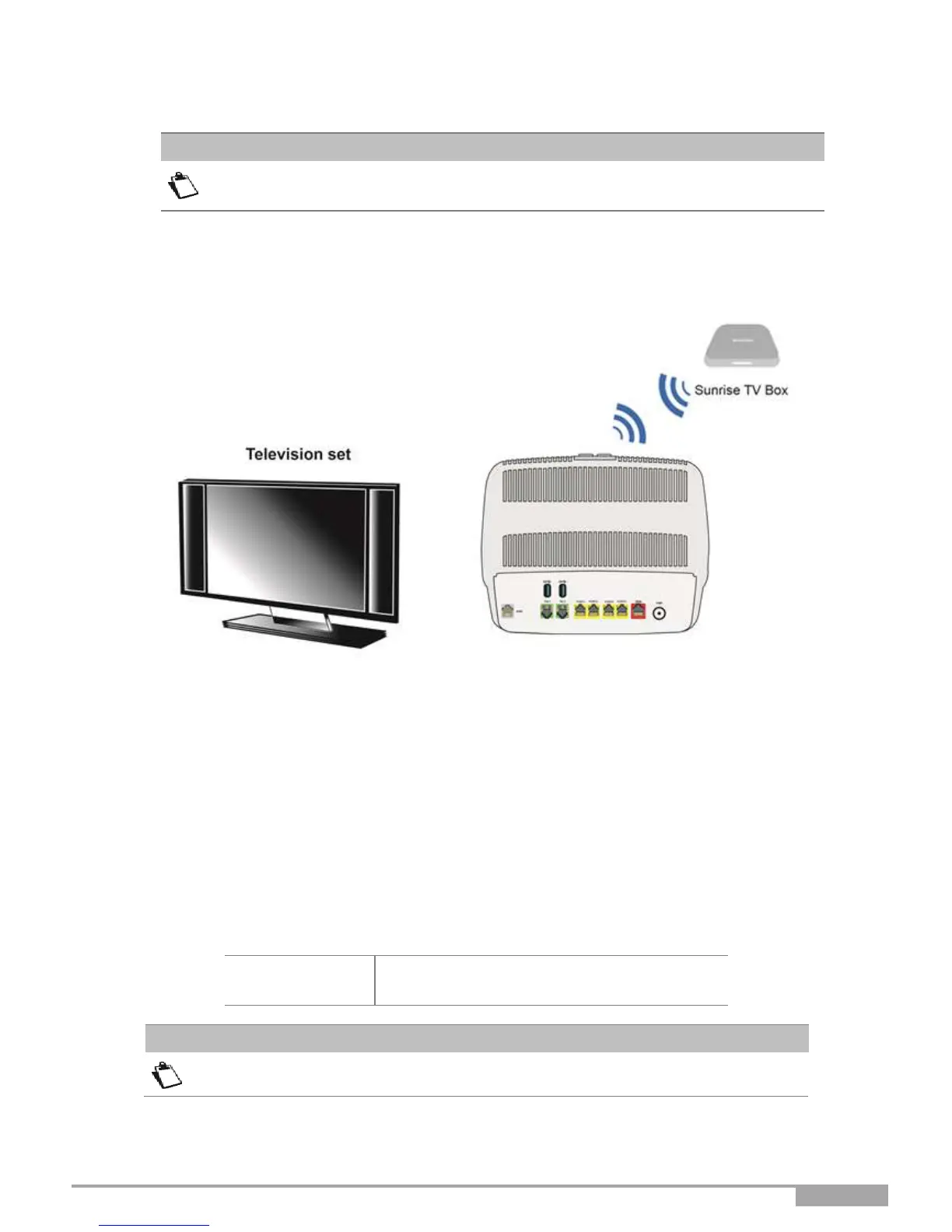
2.4.4.2 Via Wi-Fi
For connection to the Set Top Box, refer to the manufacturer's documentation.
Press for longer than 10 seconds on the “Wi-Fi” button on the top of the Sunrise internet Box device. It will
initiate the Sunrise Internet Box easy-pairing mechanism over Wi-Fi with Sunrise TV Box. No Ethernet
cables are needed.
Figure 2.6 - Set Top Box connection in Wi-Fi mode
2.5 Default configuration
This section details the values of the default parameters of your Sunrise Internet Box when it leaves
the factory. These default parameters can be modified by a particular preconfiguration of your
Sunrise Internet Box.
2.5.1 Default password
The initial Password is different for each device



 To Next Page