3.8.9 Busy on Busy
Objective: This Section explains how to enable the Busy on Busy feature on a Sunrise telephone line
(SIP account). The end user can enable the Busy on Busy feature on each of their active lines.
When the feature is enabled, the caller will hear a busy tone instead of a ringing tone when a call
is already conducted on that line.
•
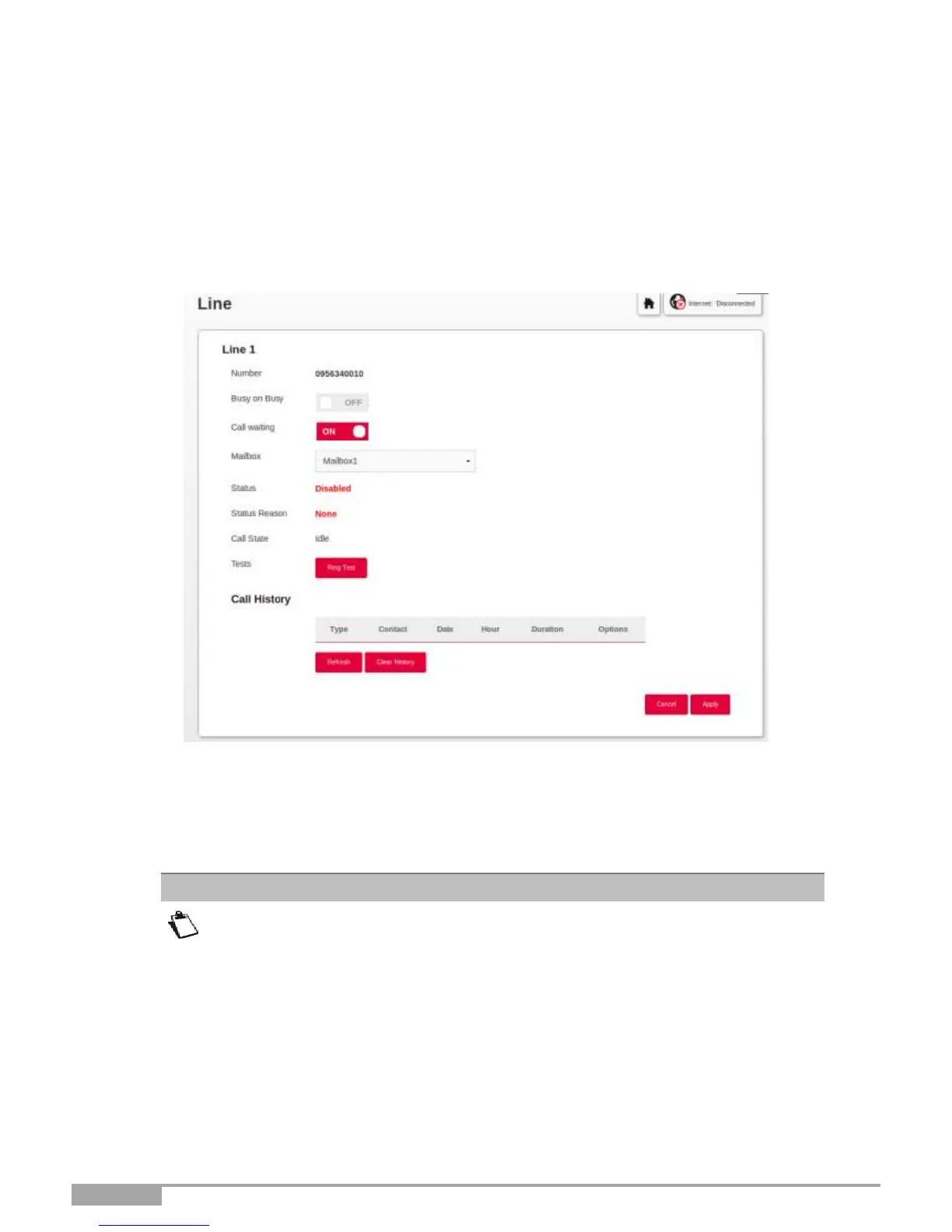
In the Main menu, select Line. The following screen opens:
To enable the Busy on Busy feature, proceed as follows:
•
Enable the Busy on Busy feature by pressing “ON.”
•
Click on the Apply button to save the configuration.
By default, every FXS port is activated on the Phone Matrix. In case you want to
use the feature Busy on Busy on one or all of your Sunrise telephone lines (SIP
accounts), make sure the Phone Matrix is up to date. Do not have a checkbox
enabled if no handset is plugged in. This could lead to incomplete execution of
the Busy on Busy feature.



 To Next Page