3.10 Services
3.10.1 Answering Machine
Objective: You can enable the “answering machine” feature in your Sunrise Internet Box and share it
with all connected phones. You can have 1 answering machine per active line (up to 5 lines
/answering machines). The language for the answering machine will be the same language as
the one chosen on the welcome screen of the Sunrise Internet Box. The principle is as follows
When a call is transferred to the voice mailbox for the line, the caller will hear a greeting message,
depending on the situation and the configuration. After a beep sound, he/she will be able to record
a message.
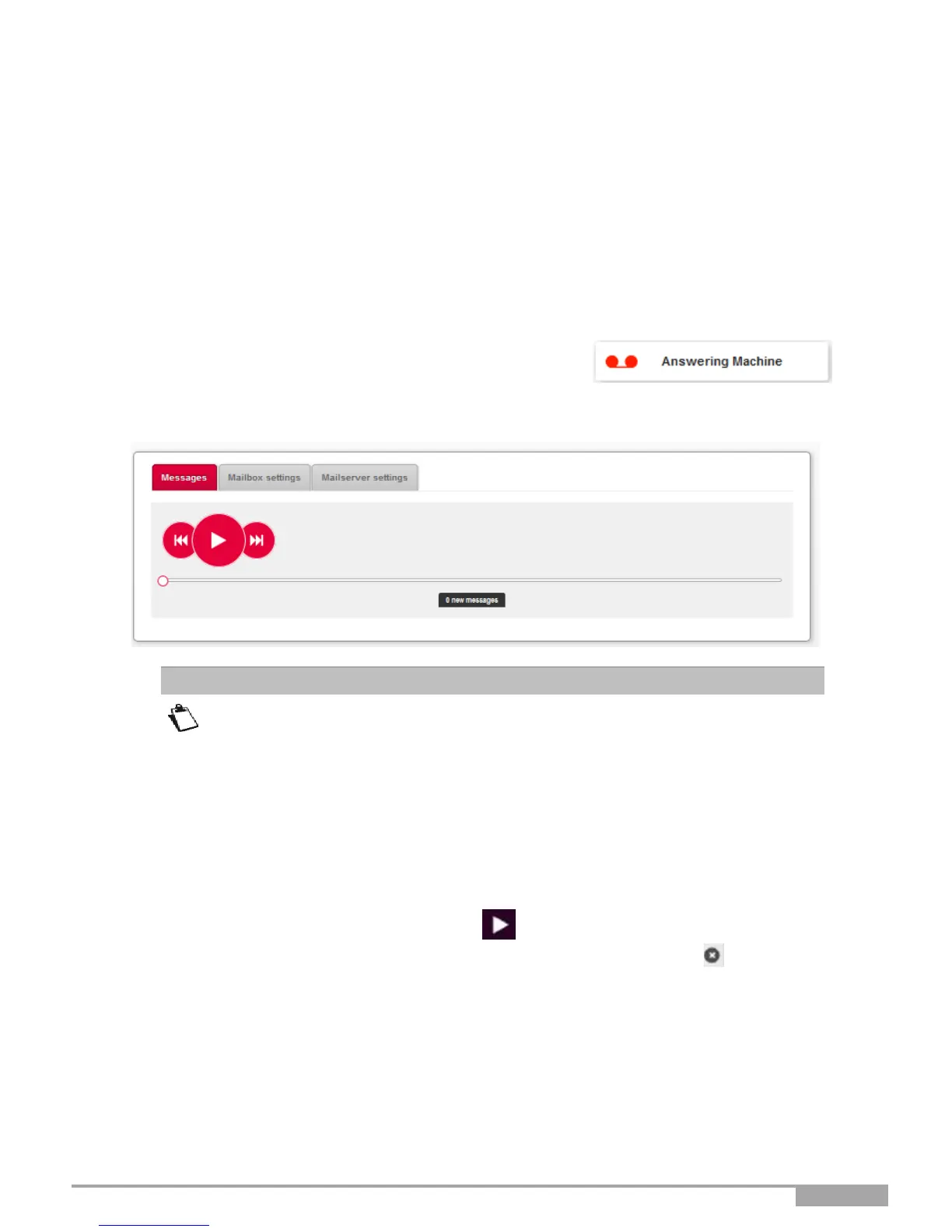
In the Sunrise Internet Box main page, select “answering machine.”
The following screen opens:
By default, the answering machine is disabled. You must enable it in the
“Mailbox settings” tab.
The messages received and saved in the answering machine will be lost in case
of restoration of default.
3.10.1.1 Messages
Objective: This menu is used to display all the messages received by your answering machine(s).
Select the message you want to listen to. Press the button. Once you have listened to the entire
message, the “new” flag” is removed. You can delete the message by pressing the button.



 To Next Page