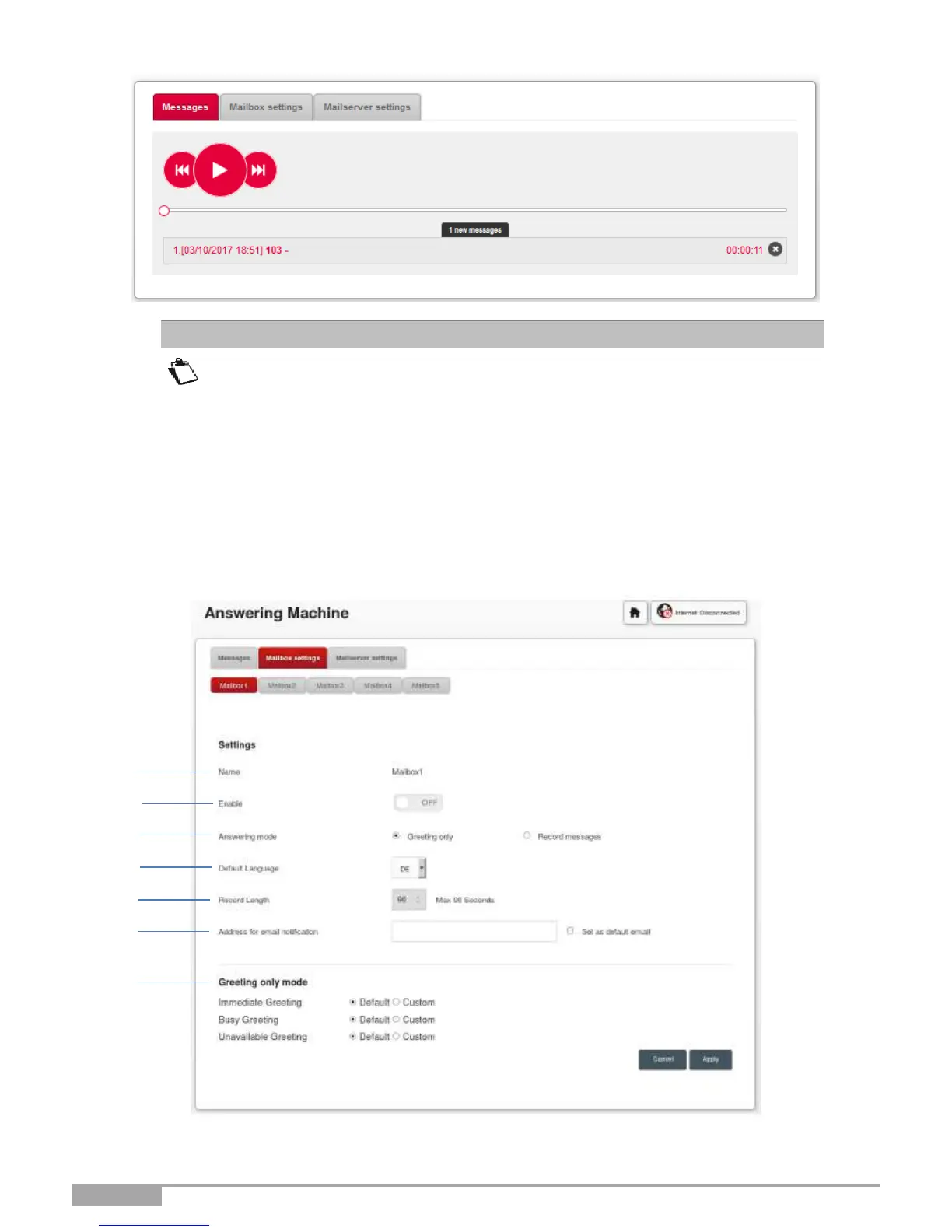
You can also listen to recorded messages using the handset (dial **601 for line
1, **602 for line 2, **603 for line 3, **604 for line 4, **605 for line 5).
Before hanging up the handset, if you want to listen to the message again, press
1. To go to the next message, press 2. To delete the message, press 3.
When a new message is recorded, a notification (visual message waiting
indication) is sent to the endpoints (FXS or DECT) attached to the line
concerned.
3.10.1.2 Answering machine settings
Objective: This menu is used to set up the settings for each of the answering machines.



 To Next Page