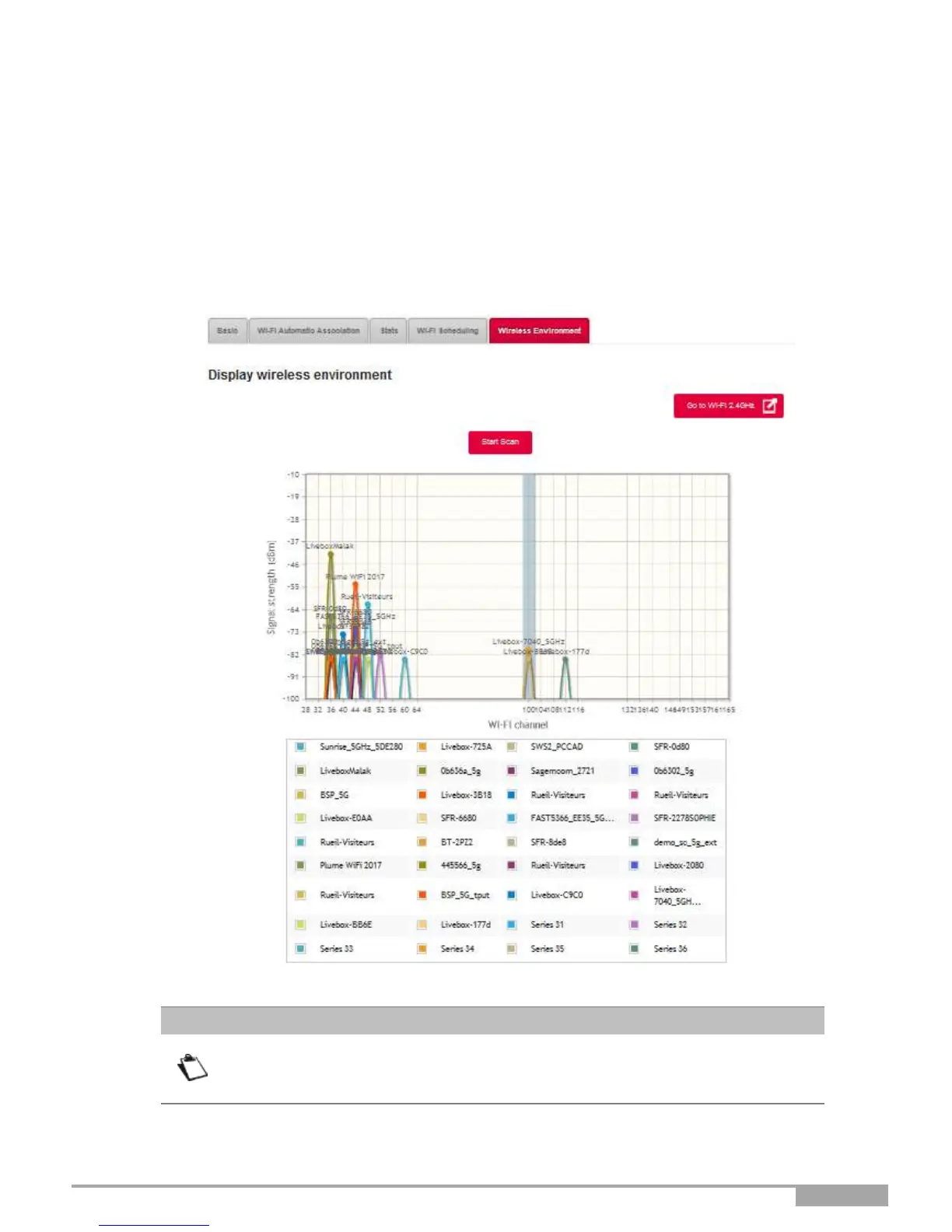
3.7.6 Wireless Environment
Objective: This menu allows you to scan the wireless environment and displays all wireless networks found
by channel. For each wireless network, the following information is available: SSID name, signal
strength and channel in use.
•
In the Wi-Fi xGHz menu, select Wireless Environment.
•
To launch the scan, press on the Start Scan button.
The result of the search appears.
Depending on the configuration in progress, the button Go to Wi-Fi 5 GHz or Go
to Wi-Fi 2.4 GHz appears on the page. This button allows you to quickly switch
between Wi-Fi 5 GHz mode and Wi-Fi 2.4 GHz mode.



 To Next Page